

Every night I made the same promise. Tonight I would put my phone down at 10 at night and read instead. Every night I broke it. One quick check of tomorrow’s weather turned into three videos, then a news thread, then a message thread I had no business reopening at midnight. By the time I finally slept, my brain was wide awake and my alarm felt like an ambush.
The problem was never my discipline. The problem was my bedroom. My phone slept on my nightstand, plugged in and glowing, within arm’s reach of my pillow. Willpower had to win that fight every single night, and willpower gets tired. The night I moved the charger into the kitchen, the fight ended. There was nothing left to resist.
That is the whole idea behind learning how to reduce screen time before bed without willpower. You do not need a stronger resolve. You need a home and a phone that make scrolling harder and sleeping easier, so the easy choice and the healthy choice become the same choice.
Why Willpower Fails at Bedtime
Willpower is weakest exactly when you need it most. By evening you have made hundreds of decisions, answered messages, solved problems, and held your focus at work. Researchers call this decision fatigue, and it means the part of your brain that says no is running on empty by 10 at night.
Your phone, meanwhile, is designed to win at that exact moment. Apps use bright light, endless feeds, and notifications timed to pull you back. A tired brain is far more likely to take one more scroll than a rested one. So a nightly battle between a tired brain and a machine built to hold attention is not a fair fight, and losing it says nothing bad about you.
The good news is that you can stop fighting on the phone’s terms. Every change in this guide works by removing a decision, adding a small physical barrier, or replacing a habit with a better one. None of them require you to feel motivated at midnight.
How to Reduce Screen Time Before Bed Without Willpower: The Room First Method
Start with the room, not the rule. A rule says do not touch your phone. A room makes touching your phone inconvenient. Rules depend on memory and mood. Rooms work even when you are exhausted.
1. Move the charger out of the bedroom
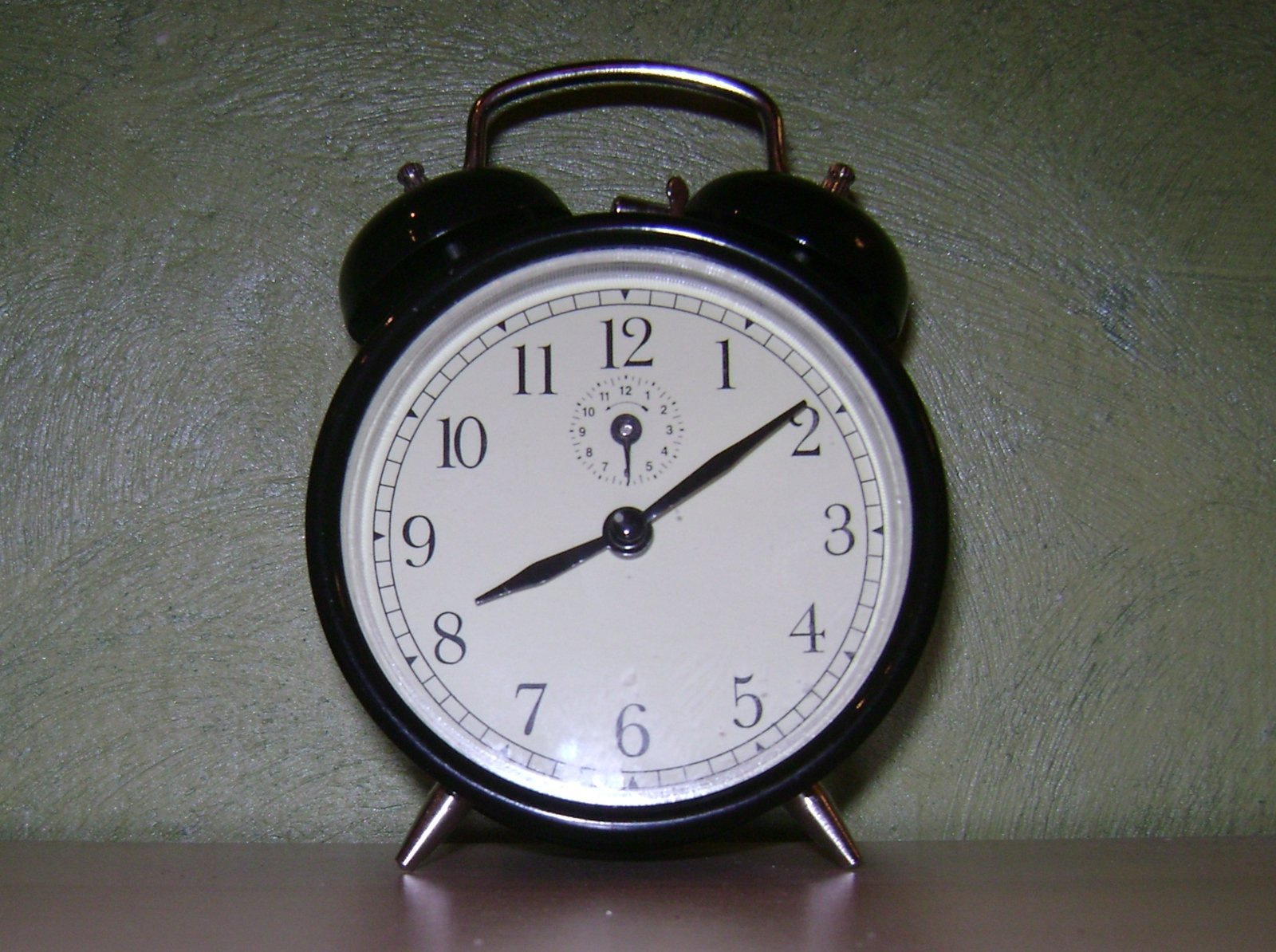
This single change does more than any app or timer. Pick a charging spot outside the bedroom, in the kitchen or the hallway, and make it the phone’s permanent overnight home. Buy a cheap alarm clock and a second charger for that spot if you need them. The cost is small and the payoff is immediate.
When the phone charges elsewhere, three things happen at once. You cannot reach it from bed, so the midnight check disappears. You stop using it as a clock at 3 in the morning, which turns a brief wake up into a wide awake hour. And the bedroom slowly becomes a place for sleep again, instead of a place for scrolling. If charging outside the bedroom is impossible in a small flat or a shared room, park the phone across the room, face down, with the charger cable stretched to its limit. Distance is what matters, even a few steps of distance.

2. Set a phone curfew with an alarm, not a reminder
A curfew works when it is specific and small. Pick a time one hour before you want to sleep. If lights out is 11 at night, your curfew is 10 at night. Set it as an alarm with a kind name, like time to wind down, rather than a reminder you can swipe away. An alarm demands an action. A reminder only suggests one.
Use the curfew hour for one final check, done at the start of the wind down, not the end. Check messages, tomorrow’s calendar, and the weather in one pass, then put the phone on its charger. Tell the people who message you most that you are trying an earlier night routine. It is much easier to keep when nobody expects a reply at midnight. Start with three nights a week if every night feels like too much. Consistency matters more than severity.
3. Make the phone boring after curfew
If the phone must stay nearby, make it less tempting. Turn on Do Not Disturb or a sleep focus mode so notifications stop lighting up the room. Switch on night mode and turn the brightness right down, since warm light at full brightness still tells your brain it is daytime. Some phones have an extra dim setting that goes further than the standard slider, and it is worth finding.
For a stronger step, switch the display to grayscale in the evening. Color is part of what makes feeds feel alive, and a gray screen makes scrolling noticeably less fun. You can also move social apps off your home screen, or set a daily app limit that locks them after curfew. None of these steps require willpower at bedtime, because you set them once, in daylight, when your resolve is fresh.
4. Build a replacement ritual you actually enjoy
An empty hour before bed will fill itself with the nearest screen. The fix is a ritual that is genuinely pleasant, not a punishment. A paper book with a warm clip on lamp, a short stretch on a yoga mat, a warm shower an hour or two before bed, or ten minutes writing tomorrow’s list on paper all work. Pick one, not five. A ritual that is easy to start beats a perfect ritual you never begin.
Keep the pieces ready. A book on the pillow, a lamp with a warm bulb, a notebook and pen on the nightstand. When the phone is gone and the replacement is already waiting, the evening flows toward sleep instead of toward the feed. After a week or two, the ritual itself becomes the cue, and your body starts to slow down as soon as it begins.

5. Dim the whole house, not just the bedroom
Bright overhead lights late at night feel like daytime to your body. For the last hour, switch off the main ceiling lights and use lamps with warm, soft light instead. Lower the bathroom light too, since that room is often the brightest one you visit right before bed. You do not need to sit in the dark. You only need the light to feel like evening.
This step pairs well with the phone curfew. Dim light plus a parked phone plus a book is a strong signal to your brain that the day has ended. Bright light plus a glowing phone plus an endless feed is the opposite signal. Small as each change seems, together they move your whole evening in one direction.
What to Do When You Slip
You will slip. A stressful day, a late message, a video someone sends you at 10 at night. Treat a slip as data, not failure. Ask what made that night different. Was the phone on the nightstand again? Was the book still on the shelf? Fix the setup, not yourself.
One useful trick is the morning reset. If you scrolled late, put the phone back on its charger spot the next morning and go on with your day. Do not try to punish yourself with an even stricter rule that night. Strict rules break faster. Gentle systems last longer, because they survive bad days.
Run a 7 Night Test
Do not commit to a new lifestyle. Commit to a 7 night test. Move the charger, set the curfew alarm, dim the lights, and keep one replacement ritual ready. Track two tiny numbers each morning: how long it took to fall asleep, and how rested you feel from 1 to 5. That is all.
After seven nights, look at the numbers. Most people see the pattern clearly by night four or five. If the numbers improved, keep the system and adjust one thing at a time. If they did not, change one variable, such as an earlier curfew or a different ritual, and test again. You are not marrying the routine. You are trying it on to see if it fits.
Conclusion and Takeaways
Reducing screen time before bed does not require more willpower. It requires a bedroom that works for you instead of against you. Move the charger out of the bedroom so the phone is out of reach. Set a specific curfew with an alarm, and do your final check at the start of the wind down. Make the phone boring after curfew with Do Not Disturb, low warm light, and grayscale. Build one enjoyable replacement ritual and keep its pieces ready. Dim the whole house for the last hour. When you slip, fix the setup and keep going. Run the whole system as a 7 night test and let your own numbers decide. Sleep is not a reward for discipline. It is the result of a room that lets you rest.
For more help building calmer evenings, read how to build a morning routine when you work night shifts and how to stay focused working from home with kids. If your daytime setup needs work too, see how to improve posture while working from home.
Frequently Asked Questions
How long before bed should I stop using screens?
One hour before you want to sleep is a practical target. Use that hour for a final check at the start, then put the phone on its charger and switch to a paper book, stretching, or another calm activity.
Does night mode alone help me sleep better?
Night mode helps by reducing blue light, but it is not enough on its own. Warm light at full brightness still signals daytime to your brain, so combine night mode with lower brightness, distance from the phone, and a fixed curfew.
What if I need my phone as an alarm?
Use a cheap dedicated alarm clock, or keep your phone alarm but park the phone far enough away that you have to stand up to touch it. Standing up breaks the comfortable scroll trance and keeps the phone out of your bed.
Is grayscale mode really effective?
Many people find it surprisingly effective. Color makes feeds feel lively and rewarding, and a gray screen makes scrolling noticeably duller. It works best combined with app limits and a charging spot outside the bedroom.
How fast will I notice better sleep?
Most people notice a difference within a few nights, especially in how fast they fall asleep. A 7 night test with two simple morning ratings will show you clearly whether the system is working for you.