
If you run a small business in the UK, you already know the feeling. January arrives, your Self Assessment deadline looms, and you are digging through coat pockets, car door compartments and a shoebox of faded paper slips trying to prove what you spent. Learning how to keep business receipts for tax UK rules is not exciting, but it is one of the highest value habits a sole trader or small company owner can build. This guide gives you a simple 10 minute weekly routine, a folder system you can copy today, and clear answers to the questions HMRC actually cares about.
Most receipt advice stops at “keep everything”. That is not a system, it is a wish. By the end of this article you will have a repeatable process that takes less time than brewing tea, plus a filing structure that makes tax return season almost boring.
Why learning how to keep business receipts for tax UK pays off
Receipts are your proof. Every expense you claim on your tax return is a statement that you spent that money wholly and exclusively for your business. Without the paperwork to back it up, HMRC can disallow the claim, add interest and charge penalties. Good records are the difference between a calm tax return and an expensive argument.
There is a second payoff that nobody talks about. When your receipts are organised, you stop leaving money on the table. Small purchases add up fast. That £9 parking ticket outside a client meeting, the £14 train upgrade, the £27 domain renewal, the £60 printer ink. Lose the receipts and you quietly pay tax on money you should have kept. A tidy system routinely saves sole traders hundreds of pounds a year in correctly claimed expenses.
Then there is Making Tax Digital. HMRC is steadily moving the UK tax system to digital record keeping with quarterly updates for Income Tax Self Assessment. The business owners who already keep clean digital records will barely notice the change. The ones still stuffing paper into envelopes will feel every bit of it. Building the habit now is future proofing.
What counts as a business receipt
A receipt is any record that proves a business transaction happened. HMRC expects you to keep evidence for all business income and expenses. In practice that means keeping these.
- Till receipts and card payment slips for day to day purchases
- Supplier invoices, both paper and PDF
- Email order confirmations and online checkout receipts
- Bank and credit card statements for your business account
- VAT invoices if you are VAT registered
- Mileage logs for business journeys in your own car
- Home office calculations and utility bill proportions
- PAYE records if you employ anyone
For each expense, HMRC wants to see the supplier name, the date, the amount, and what the purchase was for. Most receipts show the first three. The fourth is where people get caught. A receipt for £42 at a restaurant proves nothing by itself. A receipt with “lunch with prospective client Jane Smith, discussed website project” written on it is bulletproof. Annotate as you file and future you will be grateful.
Paper or digital: what HMRC actually allows
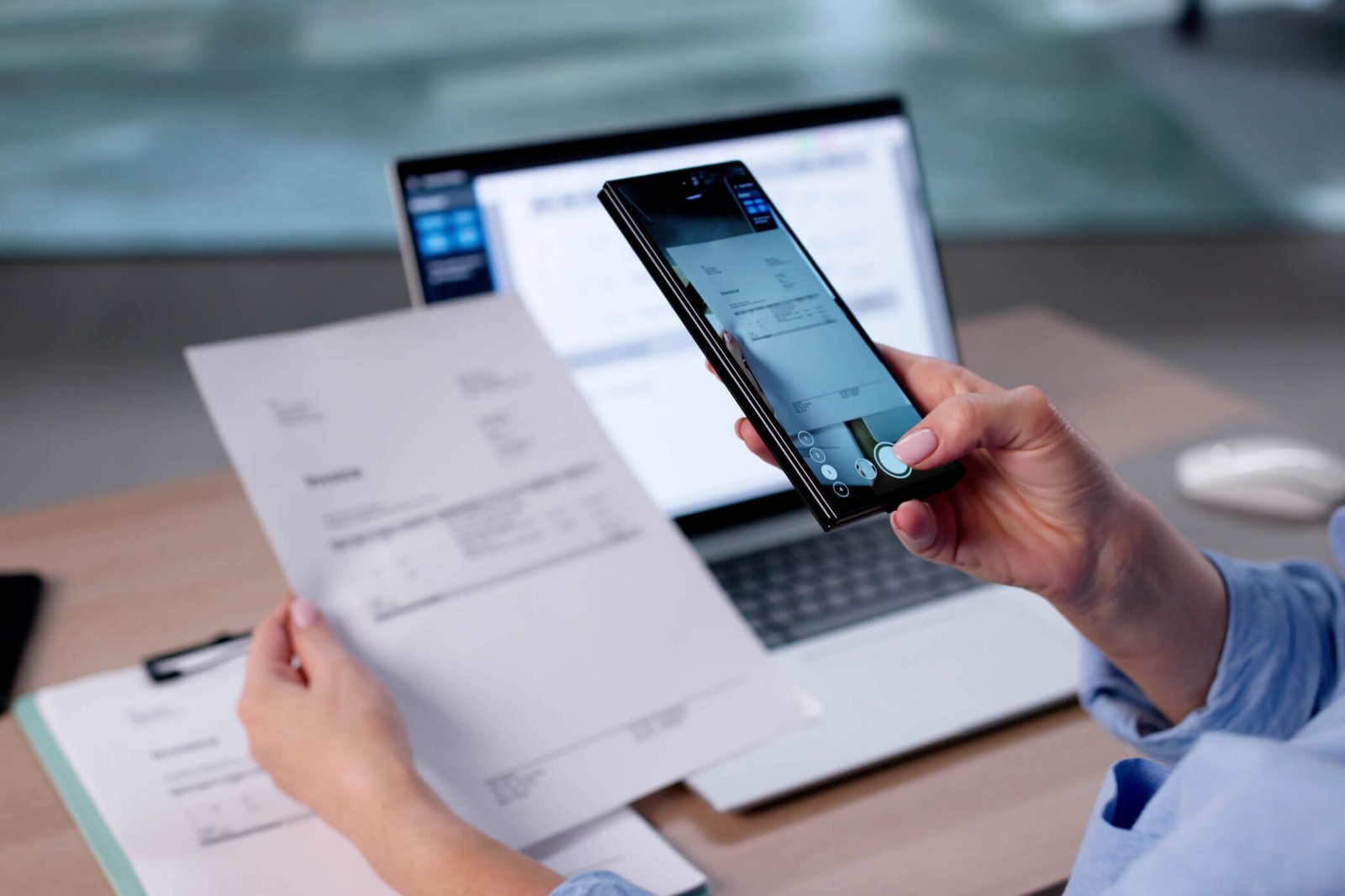
Here is the good news. HMRC does not require paper originals. You can scan or photograph your receipts and keep digital copies, provided the images are clear, complete and accessible. Faded thermal till receipts are actually safer as photos, because the print on the original often disappears within months.
If you go fully digital and destroy the paper originals, HMRC asks you to keep two separate backup copies. That sounds dramatic, but it is simple in practice. One copy lives in your cloud folder, a second lives somewhere independent, such as an external drive or a second cloud service. Your accountant and your future self both sleep better.
The one exception to remember is Making Tax Digital for VAT, where records must be kept in a compatible digital format and linked digitally where required. A photo of a receipt filed in a folder counts as a digital record for most sole traders, but if you are VAT registered, use accounting software with a bank feed and attach receipts there. That is the gold standard and it makes MTD compliance effortless.
The 10 minute weekly routine that keeps you tax ready
This is the heart of the system. Pick one fixed slot each week. Friday afternoon works well, because the week is fresh and you close things off before the weekend. Set a timer for 10 minutes and work through four small steps. Little and often beats a January panic every single time.

Minutes 0 to 2: capture everything
Photograph every paper receipt you collected during the week. Lay each one flat, make sure the whole slip is in frame, and check the photo is sharp before moving on. For email receipts, forward them to a dedicated folder in your inbox or save the PDFs. The rule is simple. Nothing stays in a pocket, wallet or inbox for longer than seven days.
Pro tip from experience: thermal receipts fade fastest in heat and sunlight. The parking ticket that lived on your dashboard for a week in August is already unreadable. Photograph till receipts the same day you get them, while the ink is still dark.
Minutes 2 to 5: name and file in one pass
Save each image with a clear filename and drop it into the right folder. A good filename tells you everything at a glance: date, supplier and what it was. For example: 2026 10 02 Trainline London client meeting.jpg. You will thank yourself when you search for it in March.
Do not create a clever taxonomy with forty categories. Six to eight folders cover almost every small business: Travel, Office and Supplies, Software and Subscriptions, Professional Fees, Marketing, Meals and Entertainment, Equipment, and Utilities and Rent. Simple systems survive. Complicated ones die by February.
Minutes 5 to 8: match receipts to your bank feed
Open your banking app and glance down the week’s transactions. Every business payment should have a receipt or invoice filed against it. If you spot a payment with no paperwork, you have caught the problem while it is still easy to fix. Request the missing invoice from the supplier now, while they remember you.
This matching step is where most tax return stress is born or prevented. A payment with no receipt is a claim you cannot defend. A receipt with no matching payment is usually a personal purchase that wandered into the wrong folder. Five minutes of matching keeps both problems small.
Minutes 8 to 10: back up and breathe
Check your cloud folder has synced. Once a month, copy the current tax year folder to your second backup location. That is the entire backup strategy. Two copies, two places, done in seconds.
Then close the laptop. Ten minutes, once a week, and your records are always current. When your accountant asks for the year, you send one link instead of a carrier bag of paper.
A folder system you can copy today
Here is the exact structure to set up in Google Drive, Dropbox, OneDrive or any cloud storage. Create it once and never think about it again.
- Business Records
- Tax Year 2026 to 27
- Receipts: Travel, Office and Supplies, Software and Subscriptions, Professional Fees, Marketing, Meals and Client Costs, Equipment, Utilities and Rent
- Invoices Sent
- Invoices Received
- Bank Statements
- Tax Returns and HMRC Letters
Start a fresh top level folder every April when the new tax year begins. The old year stays untouched as your archive, ready if HMRC ever asks. Sole traders keep records for five years after the 31 January filing deadline. Limited companies keep them for six years from the end of the financial year. Keeping each year separate makes those retention rules trivial to follow.
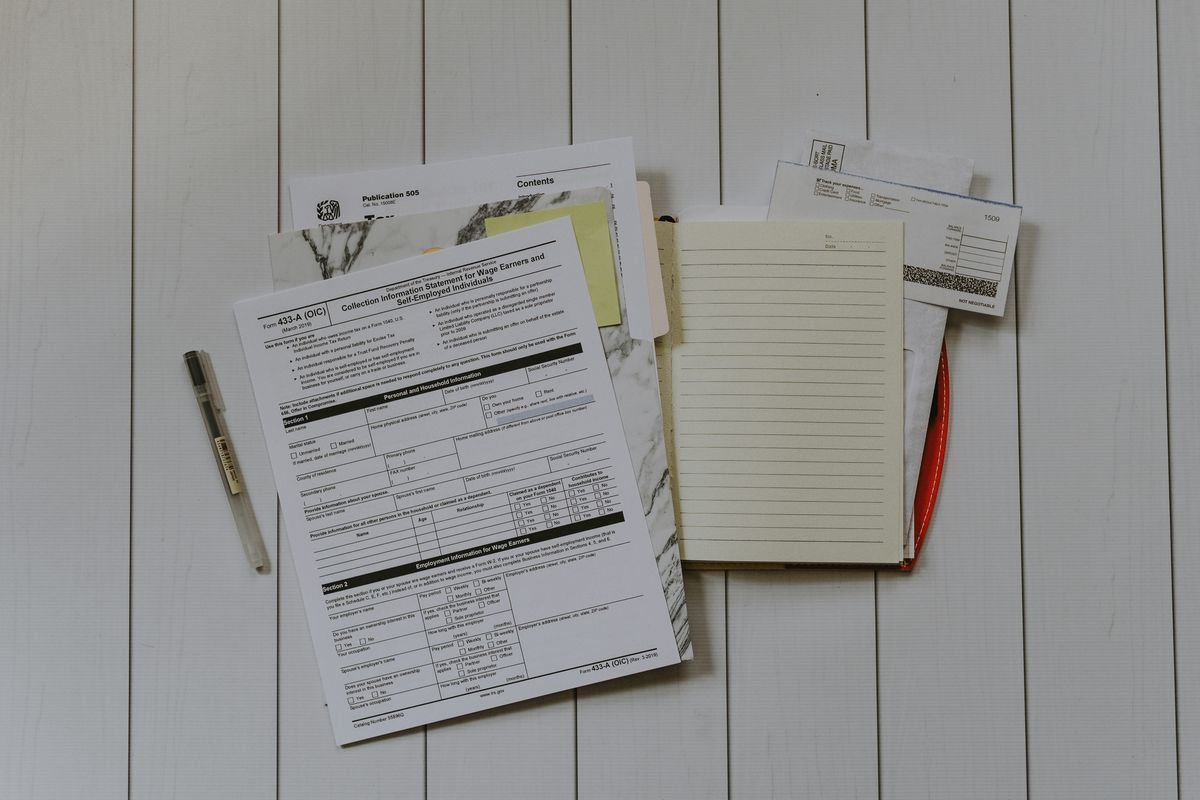
For email receipts, create a matching set of labels in your inbox, or set up a rule that auto forwards order confirmations to a dedicated receipts address. The goal is one inbox folder that mirrors your cloud folder, so nothing hides in the depths of your email.
What to do with paper receipts and the dreaded shoebox
If you have years of paper chaos, do not try to fix it all in one weekend. You will burn out and quit. Instead, draw a line. From today forward, everything follows the new system. Then work backwards one month at a time, in 20 minute sessions, starting with the most recent month. Recent receipts matter most, because they relate to the tax return you are about to file.
For ongoing paper, keep one envelope per month in a desk drawer. Photograph each receipt as it goes in. At month end, write the month and year on the envelope and file it. This is your physical backup for the months where you still handle cash or get paper invoices. Once the photos are safely in two places, you can recycle the paper with confidence.
Cash purchases deserve special attention. Without a bank transaction to match, a cash receipt is your only proof. Photograph it immediately and add a one line note about what it was for. The £30 cash you paid the window cleaner for your shop front is a perfectly good business expense, but only if you can prove it.
Apps and tools that do the boring bits for you
You do not need expensive software to run this system. A phone camera and a cloud folder are enough. But if you want to automate the dull parts, these tools are worth a look.
- Receipt capture apps such as Dext or Expensify photograph receipts, read the amounts automatically and push them into your accounts
- Hubdoc, free with Xero, pulls bills and statements in and learns your suppliers over time
- Bank feed apps like Coconut attach receipt photos directly to transactions as they happen
- Your accounting software, whether Xero, QuickBooks or FreeAgent, can store receipt images against each expense
Pick one tool and stick with it. The fanciest app in the world is useless if you stop opening it. The system that wins is the one you will actually use every Friday for 10 minutes.
7 mistakes that cost UK small businesses real money
- Mixing business and personal spending. One receipt with the weekly shop and a business ink cartridge is a headache. Ask for separate receipts or make separate purchases. Your categories stay clean and your claims stay defensible.
- Forgetting to note the business purpose. A restaurant receipt means nothing without context. Thirty seconds of annotation turns a questionable claim into a solid one, especially for meals and travel.
- Trusting bank statements alone. A bank line that says “AMZN £64.99” does not tell HMRC what you bought. Statements support receipts, they do not replace them.
- Ignoring small amounts. Five untracked £10 purchases a month is £600 a year of unclaimed expenses. At a 20 percent tax rate, that is £120 of your money handed to HMRC for no reason.
- Keeping everything in one giant folder. A folder with 900 files named IMG 4471 is not a system. Date based filenames and a handful of category folders make every receipt findable in seconds.
- Skipping mileage logs. If you drive for business, the approved mileage rate is one of the most valuable claims available. Keep a simple log of date, destination, purpose and miles. No log, no claim.
- Deleting email receipts. That order confirmation is a valid receipt. Set up the auto forward rule once and your digital paper trail builds itself.
Lost a receipt? Do not panic
It happens to everyone. The first step is to try to replace it. Most retailers can reprint a receipt, and online retailers can resend an invoice from your account history. A quick email to the supplier usually solves it within a day.
If the receipt is truly gone, your bank or card statement can step in as supporting evidence. It proves the payment happened, even if it does not show what you bought. Tell your accountant about any gaps before the return is filed. You can include estimated figures in your Self Assessment, but you must flag them as estimates and explain why. Honesty up front avoids awkward questions later.
Then fix the leak. Every lost receipt is feedback. Was it a cash purchase you forgot to photograph? A supplier who never sends invoices? Adjust the routine and the problem rarely repeats.
Your receipt year at a glance
Receipt keeping is not just a January activity. Here is how the 10 minute habit fits around the UK tax calendar.
- April: new tax year begins. Create the new folder structure and archive last year.
- Monthly: run the 10 minute routine every week, and once a month copy the tax year folder to your second backup.
- July: payments on account are due. Your tidy records make the figures easy to check with your accountant.
- October: paper Self Assessment deadline passes, and the January online deadline starts to approach. Do a quarterly review of your folders for gaps.
- January: online Self Assessment deadline on the 31st. With a year of organised receipts, filing is a calm afternoon, not a crisis.

Put a recurring calendar reminder for your weekly 10 minutes and treat it like a client meeting. The business owners who sail through tax season are not more disciplined than you. They just have a slot in the diary.
Conclusion: make how to keep business receipts for tax UK automatic
Keeping business receipts tax ready in the UK comes down to four habits. Capture every receipt the day you get it, while the ink is still dark. File it immediately with a clear filename in a simple folder system. Spend 10 minutes each week matching receipts to your bank feed. Keep two backup copies in two separate places.
That is the whole system. No expensive software required, no January panic, no lost relief. Start this Friday. Photograph what is in your wallet right now, create the folder structure, and set the weekly reminder. In a month it will feel automatic, and when tax return season arrives you will wonder what you ever worried about.
Frequently asked questions
How long do I need to keep business receipts in the UK?
Sole traders must keep records for five years after the 31 January Self Assessment deadline for the relevant tax year. Limited companies must keep them for six years from the end of the financial year. When in doubt, keep them longer. Digital storage is cheap and HMRC can ask questions years later.
Can I scan receipts and throw away the paper originals?
Yes. HMRC accepts clear digital copies of receipts. If you destroy the paper originals, keep two separate backup copies of the digital files, for example in cloud storage plus an external drive. Photograph thermal till receipts the same day, because the print fades fast.
Are bank statements enough proof for HMRC?
No. A bank statement proves a payment happened but rarely shows what you bought or why. HMRC expects receipts or invoices that show the supplier, date, amount and business purpose. Use statements as a cross check against your receipts, not as a replacement.
What should I do if I lose a business receipt?
First ask the supplier for a copy or reprint. If that fails, your bank statement can support the claim. Tell your accountant about the gap before filing, and flag any estimated figures as estimates in your return. Then adjust your routine so it does not happen again.
How should I organise receipts if I am just starting out?
Start simple. Create one cloud folder per tax year with a handful of category subfolders, photograph every receipt the same day, and run a 10 minute weekly filing session. That basic habit covers 95 percent of what HMRC requires, and you can add apps or accounting software later as the business grows.