
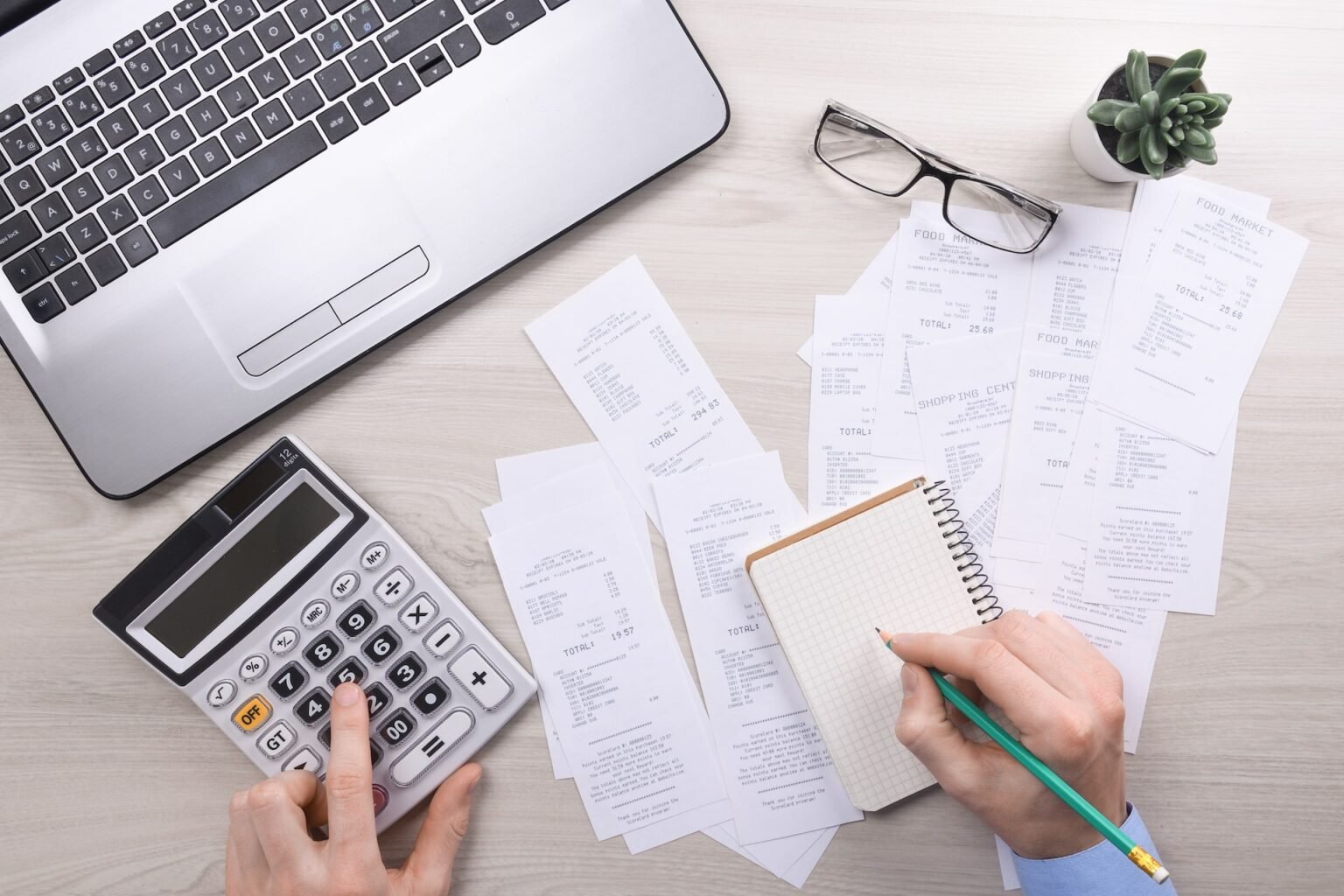
Learning how to track business expenses as a freelancer in the UK is one of the smartest moves you can make for your income. Every receipt you lose is money you might pay in tax that you simply do not owe. Yet most freelancers start out with a shoebox of faded receipts and a spreadsheet they update twice a year. That approach works until it suddenly does not, usually in the panic of the January self assessment deadline.
Good expense tracking is not about accounting skills or complicated software. It is about having a simple system you can follow in a few minutes a day. This guide shows you exactly how to track business expenses as a freelancer in the UK, from separating your finances to capturing receipts, choosing the right tools and staying on the right side of HMRC rules.
Why Tracking Business Expenses Matters for UK Freelancers
When you work for yourself in the UK, you pay tax on your profits, not on your total income. Your profit is your income minus your allowable business expenses. That means every legitimate expense you record and claim reduces the amount of tax you pay. Without a proper tracking system, you are almost certainly overpaying.
There is also a practical reason to stay on top of your costs. Freelance income is unpredictable. Some months bring several clients at once, others bring silence. If you do not know what you are spending, you cannot tell whether a quiet month is a crisis or just a dip. Clear expense records give you an honest picture of your real earnings.
Finally, HMRC can ask to see your records at any time. You must keep proof of your expenses for at least five years from the 31 January deadline after the tax year they relate to. A freelancer who can produce clean, complete records will sail through any enquiry. One who cannot may face penalties and a much larger tax bill than expected.
What Counts as a Business Expense in the UK
Before you build a tracking system, you need to know what you are tracking. HMRC allows you to claim expenses that are wholly and exclusively for your business. In plain terms, the cost must be for work, not for your personal life. The main categories for freelancers include:
- Office costs such as rent for a workspace, stationery, printing and phone bills
- Travel for business, including train tickets, mileage in your own car and hotel stays for work trips
- Equipment and tools, from laptops and cameras to specialist software subscriptions
- Professional fees, including accountancy fees, insurance and memberships of professional bodies
- Marketing costs such as website hosting, advertising and portfolio printing
- A portion of your home costs if you work from home, claimed through simplified expenses or actual costs
Commuting to a regular place of work does not count. Neither does your morning coffee unless you are travelling for business and claiming subsistence. When in doubt, ask yourself whether you would have spent the money if you did not run the business. If the answer is no, it is probably claimable.
If you are planning to grow beyond solo work, our checklist for hiring your first employee covers the extra payroll and admin costs you will need to track as an employer.
A Simple System to Track Business Expenses as a Freelancer in the UK
You do not need an expensive setup. The freelancers who track expenses well all follow the same four habits: they keep business money separate, they capture receipts instantly, they use one consistent method and they review everything monthly. Here is how to do each one.
Step 1: Separate Your Business Money from Your Personal Money
The single biggest favour you can do yourself is to open a separate bank account for your freelance work. You do not need a formal business account at first. A second personal current account used only for work will do. Every client payment goes in, every business cost goes out, and nothing personal touches it.
This one habit makes tracking almost automatic. At the end of the month, your bank statement is your raw expense list. There is no detective work, no guessing whether a supermarket trip was groceries or printer paper. When tax time arrives, you hand your accountant one clean account instead of a tangled mess.
A separate account also protects you. If HMRC ever reviews your records, a clean boundary between work and personal spending shows you take your obligations seriously. Many free digital banks now offer simple business accounts with built in expense categories, so there is no excuse to mix everything in one pot.
Step 2: Capture Every Receipt the Moment It Arrives
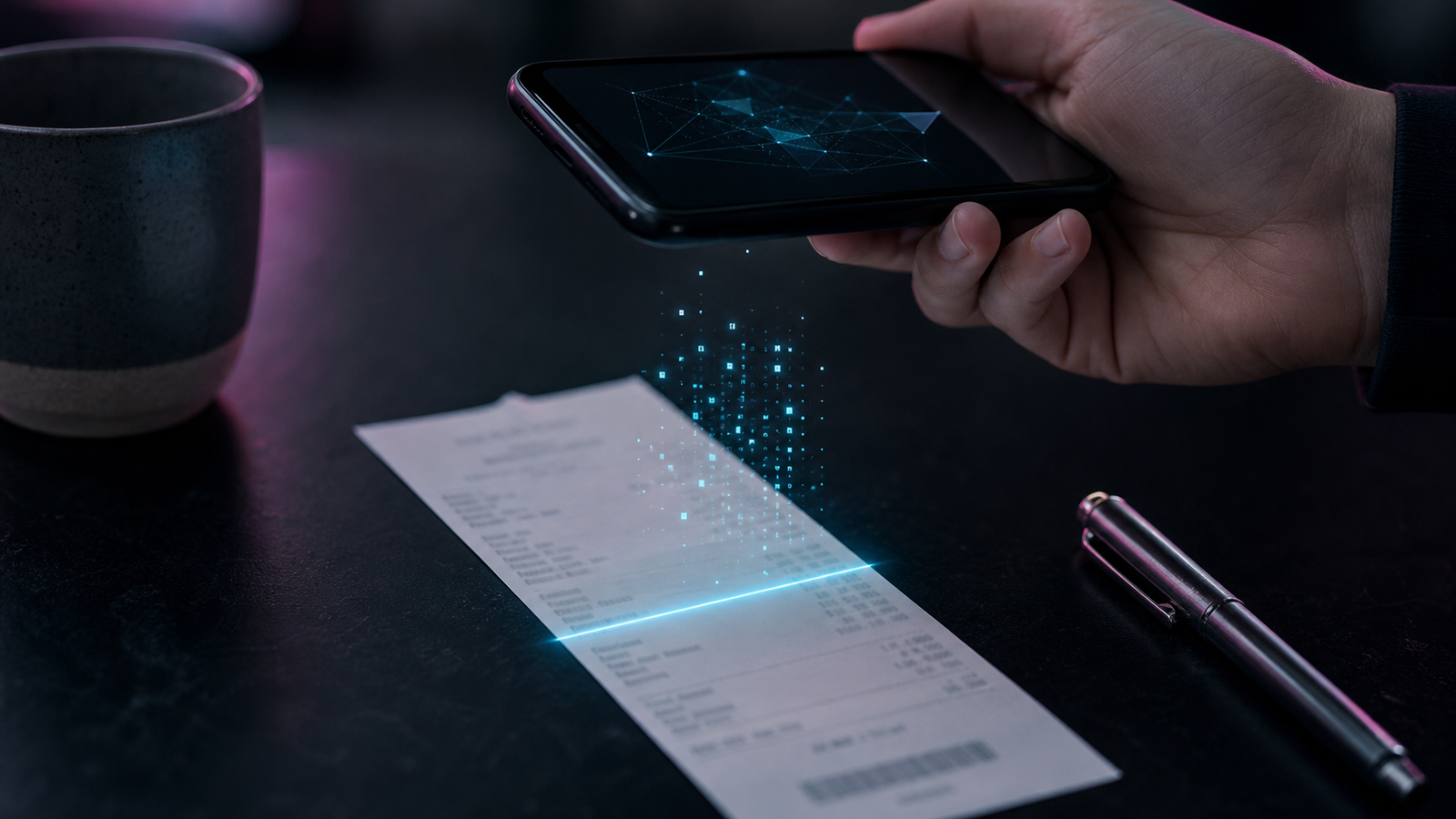
Receipts fade, get lost in coat pockets and disappear into bin bags. The fix is simple: photograph or scan every receipt the moment you receive it. HMRC accepts digital copies as proof, so you do not need to keep piles of paper. What matters is that each record shows the date, the amount, what you bought and who you bought it from.
Build the habit into your routine. Paid for a train ticket at the station? Snap it before you leave the platform. Bought a new hard drive online? Save the email confirmation into a dedicated receipts folder the same day. It takes ten seconds now and saves hours of detective work later.
For a full walkthrough of receipt storage methods that satisfy HMRC, see our guide on how to keep business receipts for tax in the UK.
Name your files consistently so you can find them again. A format like 2026 10 04 train ticket london client meeting works well. Some freelancers go further and forward every receipt email to a single receipts inbox label in Gmail. Whatever method you choose, make it automatic enough that you will still do it on your busiest days.
Step 3: Choose a Tracking Method That Fits Your Budget
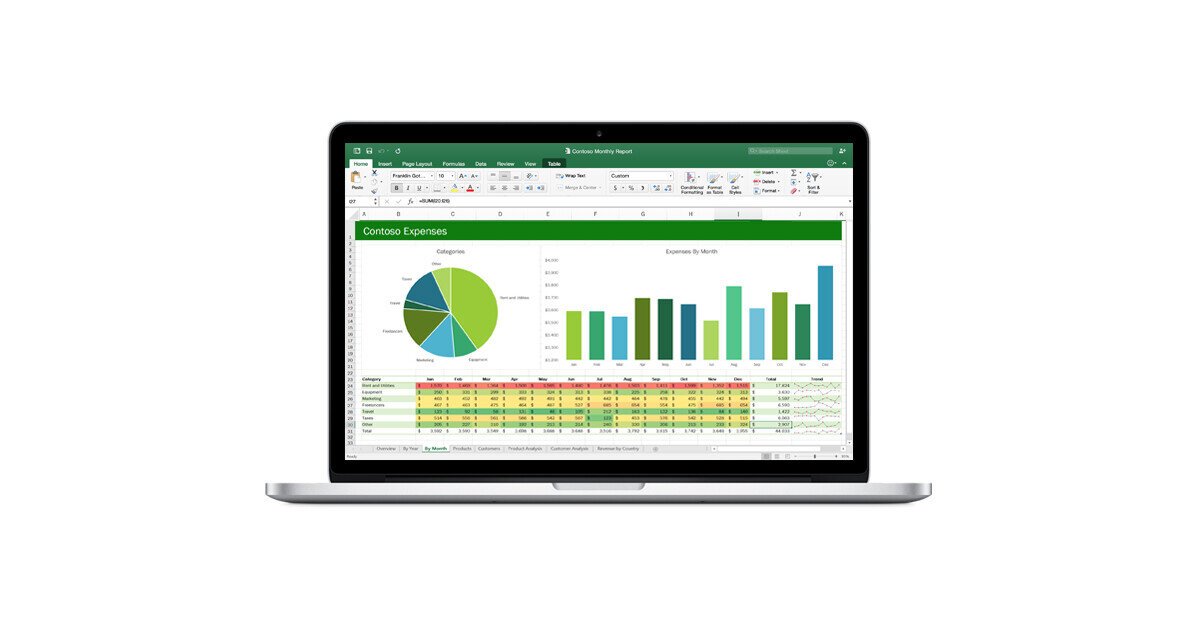
You have three realistic options, and all of them work if you use them consistently. The best method is the one you will actually keep up with.
A spreadsheet is free and perfectly adequate when you are starting out. Set up columns for date, supplier, description, category, amount and receipt link. Enter each expense weekly, not monthly, so the pile never grows scary. Google Sheets is ideal because it is backed up automatically and you can update it from your phone.
Dedicated accounting apps cost a little each month but save real time. Tools built for UK freelancers can pull transactions from your bank, sort them into categories and estimate your tax bill as you go. Many include receipt scanning, so the photo you took in step two feeds straight into your books. If you invoice clients regularly, an app that handles invoicing and expenses in one place is worth the subscription.
The third option is a notebook, and yes, it still counts. A paper log is acceptable to HMRC as long as it is complete and legible. The risk is that paper gets lost and handwriting gets messy, so most freelancers outgrow this method quickly. Whatever you pick, stick with it for at least a full tax year before judging it.
Step 4: Reconcile and Review Every Month
Set aside thirty minutes at the end of each month for an expense review. Go through your bank transactions line by line and check that each one appears in your tracking system with a matching receipt. This is called reconciliation, and it is the step that turns a pile of records into trustworthy books.
Your monthly review has three jobs. First, catch anything you missed, such as a subscription renewal that arrived by email. Second, check your categories, because a train ticket filed under office supplies will confuse your year end summary. Third, look at the totals. Are your costs creeping up? Is one client costing you more in travel than the fee covers? Monthly numbers tell you things that annual numbers hide.
Treat this appointment like a client meeting: put it in your calendar and do not cancel it. Freelancers who reconcile monthly finish their tax returns in an afternoon. Those who do not spend weeks reconstructing a year of spending from faded memory.
Mistakes That Cost UK Freelancers Money
Even freelancers with good systems lose money through avoidable errors. The most common is claiming personal spending as business spending. That new jacket is not a business expense because you wore it to a client meeting. HMRC applies the wholly and exclusively test strictly, and getting it wrong can trigger penalties.
The opposite mistake is just as costly: forgetting to claim small purchases. Printer paper, postage, a domain renewal for twelve pounds, a phone charger bought for work trips. Individually they look trivial. Across a year they add up to hundreds of pounds of tax relief you are entitled to but never claimed.
Another classic error is leaving everything until January. Reconstructing twelve months of expenses from memory is how receipts get missed and figures get guessed. Guessed figures are not records, and they will not survive an HMRC enquiry. A little effort each month beats a painful week every January.
Finally, many freelancers forget to log their mileage. If you drive to client meetings, you can claim a set rate per mile, currently 45p for the first 10,000 miles each tax year. Keep a simple log with the date, destination, purpose and miles driven. Without that log, you cannot claim a penny of it.
Conclusion: Start Small and Stay Consistent
Knowing how to track business expenses as a freelancer in the UK comes down to four habits: a separate account, instant receipt capture, one consistent tracking method and a monthly review. None of them requires accounting knowledge. All of them reward consistency over complexity.
You do not need to build the perfect system today. Open that separate account this week, start photographing receipts tomorrow and pick whichever tracking method you will actually use. In six months you will know exactly what your business costs, you will claim everything you are entitled to and the self assessment deadline will feel like a formality instead of a fire drill. That is the real payoff of tracking your business expenses properly: less tax paid than you owe nothing to, more confidence in your numbers and a business that runs on facts instead of guesswork.
Frequently Asked Questions
Do I need to keep paper receipts in the UK?
No. HMRC accepts digital copies of receipts as proof of your expenses. A clear photo or scan that shows the date, supplier, items and amount is fine. Just make sure your digital copies are backed up somewhere safe, because you must keep them for at least five years.
How long must I keep my expense records?
As a self employed freelancer, you must keep your records for at least five years from the 31 January deadline after the tax year they relate to. For example, records for the 2025 to 2026 tax year must be kept until at least 31 January 2032.
Can I claim expenses from before I registered as self employed?
Yes. HMRC allows pre trading expenses, which are costs you paid up to seven years before you started trading, as long as they would have been allowable once the business began. Typical examples include a laptop bought for freelance work or training courses taken before your first client.
What is the simplified home office expense?
Instead of calculating exact proportions of your rent and bills, HMRC lets you claim a flat monthly rate based on the hours you work from home. The rates run from £10 to £26 per month depending on your hours. It is simpler than the actual costs method but not always the most generous, so compare both.
Do I need an accountant to track my expenses?
Not necessarily. A disciplined freelancer using a spreadsheet or an accounting app can track expenses perfectly well alone. An accountant becomes valuable at year end for checking your return, spotting reliefs you missed and advising on trickier questions like VAT registration or limited company structures.