
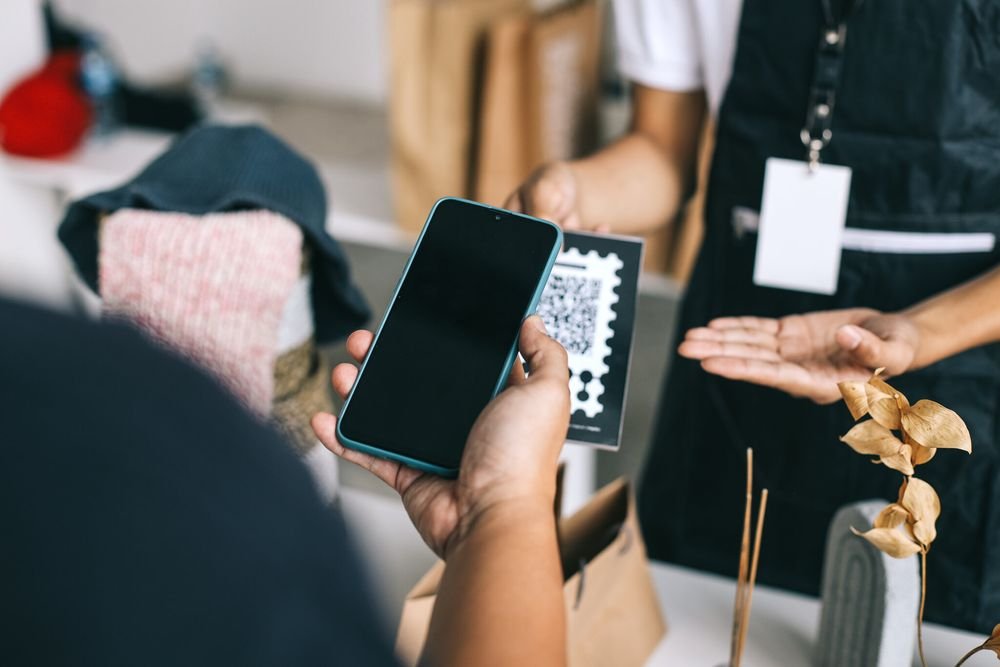
QR codes are everywhere now. You see them on menus, receipts, parcels and shop windows. For a small business, they are one of the cheapest marketing tools available, because a single printed square can send a customer to your review page, your menu, your booking form or your payment link in seconds.
Learning how to use QR codes for small business marketing is simpler than most owners expect. You do not need an app developer or a design agency. Free tools can generate a code in minutes, and a home printer is enough to get started.
This guide walks through what QR codes can do, how to create them safely, and nine practical ideas you can put to work this week. Everything here is aimed at owners working with a small budget and no technical team.
What a QR Code Can Actually Do for a Small Business
A QR code is just a shortcut. When a customer points their phone camera at it, the phone opens a link, shows some text, saves a contact, connects to wifi or starts a payment. The magic is not the square itself. It is what you choose to put behind it.
Think of every printed thing in your business as a dead end until you add a QR code. A paper menu can only show prices. The same menu with a QR code can take an order. A business card can only share your name. The same card with a QR code can save your full contact details to a phone in one tap. A parcel can only carry a product. The same parcel with a QR code can ask for a review, offer a discount on the next order or show a how to video.
Big brands have used QR codes for years, but the real winners are small businesses. You can print new codes tonight, stick them on the counter tomorrow morning and see scans by lunchtime. No developer, no app store approval and almost no cost.
Static vs Dynamic QR Codes: Which One Should You Pick
Before you make your first code, you need to understand the two types. Picking the wrong one is the most common beginner mistake.
A static QR code has the destination baked into the pattern itself. It is free forever and never expires, which sounds perfect. The catch is that you cannot change where it points later. If you print one thousand flyers with a static code that links to your old menu page, those flyers are stuck with the old link.
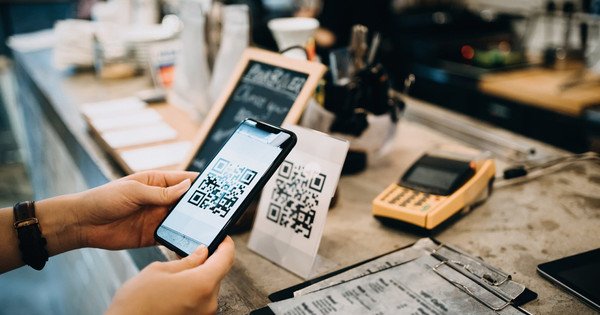
A dynamic QR code points to a short redirect link that you control. You can change the destination any time without reprinting anything. Most dynamic code services also show you scan data, such as how many people scanned, when they scanned and roughly where they were. The trade off is that dynamic codes usually come from a paid plan, although many services offer a free tier with a small number of codes.
Here is a simple rule. Use static codes for things that will never change, like your homepage, your Google review link or your contact details. Use dynamic codes for anything you might want to update or measure, like a seasonal offer, a menu that changes or a flyer campaign you want to track.
How to Make a QR Code for Free in Under Five Minutes
You do not need special software. Plenty of free QR code generators run in your web browser. Search for a free QR code generator, paste in your link, and download the image. Choose the highest resolution available so it still scans well when printed small.
Before you print a batch, test the code properly. Scan it with two different phones, an iPhone and an Android if you can. Scan it from the distance a customer would stand at. Check it in the actual lighting of your shop, because glare from a glossy laminate can make a code unreadable. A code that does not scan is worse than no code at all, because it teaches customers to ignore your future codes.
Size matters more than people think. A code printed smaller than two centimetres square will frustrate customers. On a poster meant to be read from across the street, go much bigger. As a rough guide, the scanning distance is about ten times the width of the code, so a five centimetre code works from about half a metre away.
How to Use QR Codes for Small Business Marketing: Nine Practical Ideas
These ideas are ordered from easiest to slightly more ambitious. Start with one or two, get comfortable, then add more.
1. Send Happy Customers Straight to Your Google Review Page
Reviews decide whether new customers trust you, and most happy customers simply never get around to leaving one. A QR code removes the friction. Print a small card that says scan to leave us a review, link it to your Google review page, and hand it to customers at the moment they are happiest, right after a great haircut, a tasty meal or a successful repair.
Google gives every business a short review link in the business profile dashboard. Use that link for your code. Place the card at the till, on the receipt or on the table. Businesses that ask consistently often double their review count within a few months, and those stars show up every time someone searches for what you do.
2. Put Your Menu or Price List One Scan Away
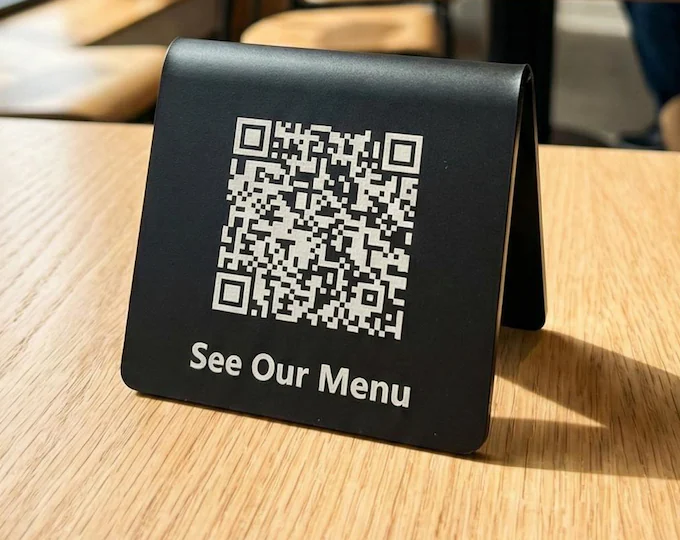
Printed menus go out of date. Prices change, dishes sell out and seasonal specials come and go. A QR code on each table that links to your online menu solves this completely. Update the page once and every table in the room shows the current version.
This works far beyond restaurants. Salons can link to a treatment price list. Garages can link to a service menu. Market stalls can link to a simple page showing what is in stock today. Customers are already used to scanning for menus, so there is no education needed.
3. Take Payments Without Buying a Card Machine
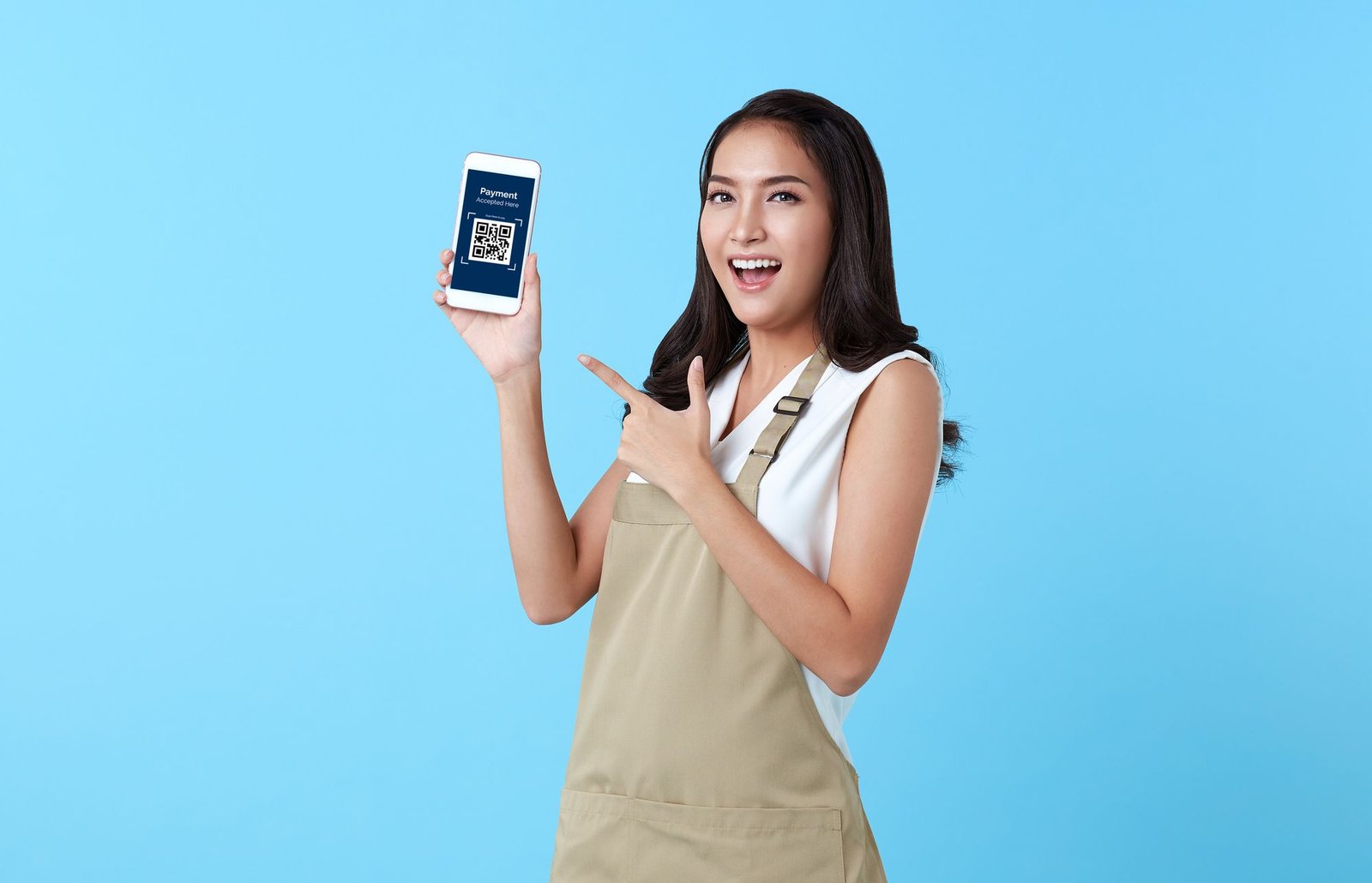
If you sell at markets, pop ups or from home, a QR code can accept payments with no extra hardware. Payment apps and bank apps in the UK let you generate a personal or business payment link, and a QR code pointing at that link turns any printed sign into a checkout.
Stick the code on your stall banner or your order book. Customers scan, type the amount and pay. It is worth checking the fees of your chosen app first, and always confirm the payment has arrived before handing over goods. For regular high street trading a proper card reader is still better, but for occasional selling this costs nothing to set up.
4. Grow Your Email List From the Till
Your email list is one of the most valuable things a small business can own, but asking customers to type a web address never works. A QR code on the counter that links to your signup form changes the maths. Offer a small incentive, such as ten percent off the next visit or entry into a monthly draw, and watch signups grow.
If you are starting from scratch, read our guide on how to start a newsletter for your small business for the full setup. The QR code is simply the bridge between your physical shop and your digital list. One scan, one form, one new subscriber.
5. Turn Every Parcel Into a Repeat Order Channel
If you sell products online or at craft fairs, your packaging is free advertising space. A QR code inside the parcel can link to a thank you page with a discount code for the next order. That single insert turns a one time buyer into a returning customer.
Makers and handmade sellers get extra value here, because customers love seeing the story behind a product. Link the code to a short video of you making the item, or a page about your materials and process. If you sell handmade goods and are unsure what to charge, our guide to pricing handmade products in the UK pairs well with this tactic. The right price plus a smart reorder nudge is a powerful combination.
6. Make Your Shop Window Sell After Hours
Your shop window works all night for free, but only if it gives passers by something to do. A QR code in the window that links to your online shop, booking page or current offers turns foot traffic at midnight into sales by morning.
Add a short line of text next to the code explaining what the customer gets, such as scan to shop online or scan to book a table. People will not scan a lonely square with no context. Make the code large enough to scan from the pavement, and use lighting or a reflective frame so it stays visible after dark.
7. Track Flyers and Direct Mail Properly
Print advertising has one big weakness. You never know if it worked. QR codes fix that. Put a different dynamic code on each batch of flyers, one for the high street drop and one for the local magazine advert, and you will see exactly which one brings scans.
This turns guesswork into data. If the magazine advert gets ten times the scans of the flyer drop, you know where to spend next time. Link each code to a dedicated landing page with a clear offer so you can track not just scans but actual enquiries and sales.
8. Share Your Contact Details in One Tap
Paper business cards get lost, and typed phone numbers get mistyped. A QR code that contains your contact details, known as a vCard code, lets someone save your name, number, email and website to their phone with a single scan.
Put it on your business card, your email signature as a small image, your van livery and your trade show badge. It is a small touch, but it removes the most annoying friction in networking, which is the moment someone says they will add you later and never does.
9. Run Seasonal Offers Without Reprinting Anything
Seasonal campaigns are where dynamic QR codes earn their keep. Print one attractive sign with one code, then change the destination behind it whenever you like. January sale in January, spring collection in March, summer event in June, all from the same printed sign.
This is especially handy around the busiest retail period of the year. If you are planning ahead, our small business Christmas preparation checklist covers stock, staffing and marketing in one place. Pair a festive window code with a limited time offer and you have a campaign that costs almost nothing to run.
Where to Place QR Codes So People Actually Scan Them
A QR code only works if three things are true. People can see it, they understand what they get from scanning, and they have a reason to bother. Every placement should pass that test.
Good spots include the till area, receipts, table tops, product packaging, delivery vans, shop windows, business cards, flyers and event banners. In each case, add a short call to action next to the code. Scan to see the menu beats a bare square every time. Scan for ten percent off beats scan to see the menu.
Think about the customer journey. Before purchase, codes should attract, with offers and menus. During purchase, codes should help, with payment links and product information. After purchase, codes should bring people back, with review requests and reorder discounts. One code rarely does all three jobs well, so use different codes for different moments.
How to Track Scans and Measure What Works
Scanning numbers on their own do not tell you much. What matters is what happens after the scan. Set one clear goal for each code, such as review submissions, menu views, email signups or completed payments, and measure that outcome.
If you use dynamic codes, your generator dashboard will show scan counts over time. Compare placements against each other. If the till card gets fifty scans a week and the window poster gets two, move the poster or improve its call to action. Review the numbers monthly and double down on the placements that perform.
For a deeper view, link your codes to pages with analytics installed, so you can see how long visitors stay and whether they take the next step. A code that gets scanned a lot but leads nowhere is a sign that the landing page needs work, not that QR codes have failed.
QR Code Safety: Protecting Your Customers From Scams
There is one risk you must take seriously. Criminals sometimes stick fake QR codes over real ones, sending scanners to phishing sites. This is rare, but it happens, and your customers trust the codes you display.
Protect your codes with simple habits. Print them on materials that show tampering, or place them behind glass. Check outdoor codes regularly to make sure nobody has pasted another sticker over yours. Use a branded short link or your own domain for the destination where possible, so cautious customers can see the address looks legitimate before they open it.
Also be careful with what your own codes link to. Never link directly to a file download that phones might flag as suspicious. Keep landing pages fast, mobile friendly and clearly branded as your business. Trust is the whole point of the exercise.
Common Mistakes Small Businesses Make With QR Codes
The biggest mistake is a code with no context. A bare square on a poster, with no explanation of what happens after the scan, will be ignored. Always pair the code with a benefit led call to action.
The second mistake is linking to a page that is not mobile friendly. Almost everyone scans with a phone, so if your site is hard to use on a small screen, the scan is wasted. Test every destination on your own phone before printing.
The third mistake is making codes too small or placing them where lighting is poor. If customers have to struggle, they will give up after one try. Print a test copy at real size and try it in the real location.
The fourth mistake is using one code for everything. A single code that links to your homepage cannot also collect reviews, take payments and grow your email list. Create separate codes for separate jobs, and label each one clearly.
Conclusion
QR codes are one of the rare marketing tools that are genuinely free to start, quick to set up and easy to measure. The businesses that get the most from them share a simple approach. They pick one clear goal per code, they tell customers exactly what the scan delivers, and they check the numbers regularly. Once you understand how to use QR codes for small business marketing in this focused way, every printed surface in your business becomes a chance to win a customer.
Start small this week. Create one code that sends happy customers to your review page, print it on a card for the till and test it yourself first. Once you see those first scans come in, add a second code for your menu or your email list. Each code is a tiny bridge between your physical business and your digital presence, and those bridges compound over time.
The key takeaways are simple. Choose static codes for permanent links and dynamic codes for anything you want to track or update. Always add a clear call to action next to the code. Test every code on real phones in real lighting before printing. And review your scan data monthly so your best placements get more attention. Do those four things and your QR codes will quietly bring in customers for years.
Frequently Asked Questions
Are QR codes free to make for a small business
Yes. Free QR code generators in your web browser can create unlimited static codes at no cost. Dynamic codes with tracking and editable destinations usually need a paid plan, but many services offer a free tier that is enough to start with.
Do customers need a special app to scan a QR code
No. Every modern iPhone and Android phone scans QR codes with the built in camera app. Just point the camera at the code and tap the link that appears. There is nothing for your customers to download.
What is the difference between a static and a dynamic QR code
A static code has its destination fixed forever and cannot be changed after printing. A dynamic code points to a redirect you control, so you can update the destination and see scan statistics without reprinting. Use static for permanent links and dynamic for campaigns you want to measure.
Are QR codes safe for customers to scan
Codes from a trusted business are safe, but criminals occasionally place fake stickers over real codes. Protect yours by placing them where tampering is visible, checking outdoor codes regularly and linking to pages on your own branded domain.
How do I know if my QR codes are working
Set one goal per code, such as reviews, signups or payments, and track that outcome. Dynamic code dashboards show scan counts, and landing page analytics show what visitors do next. Review the numbers monthly and improve or move the placements that underperform.