
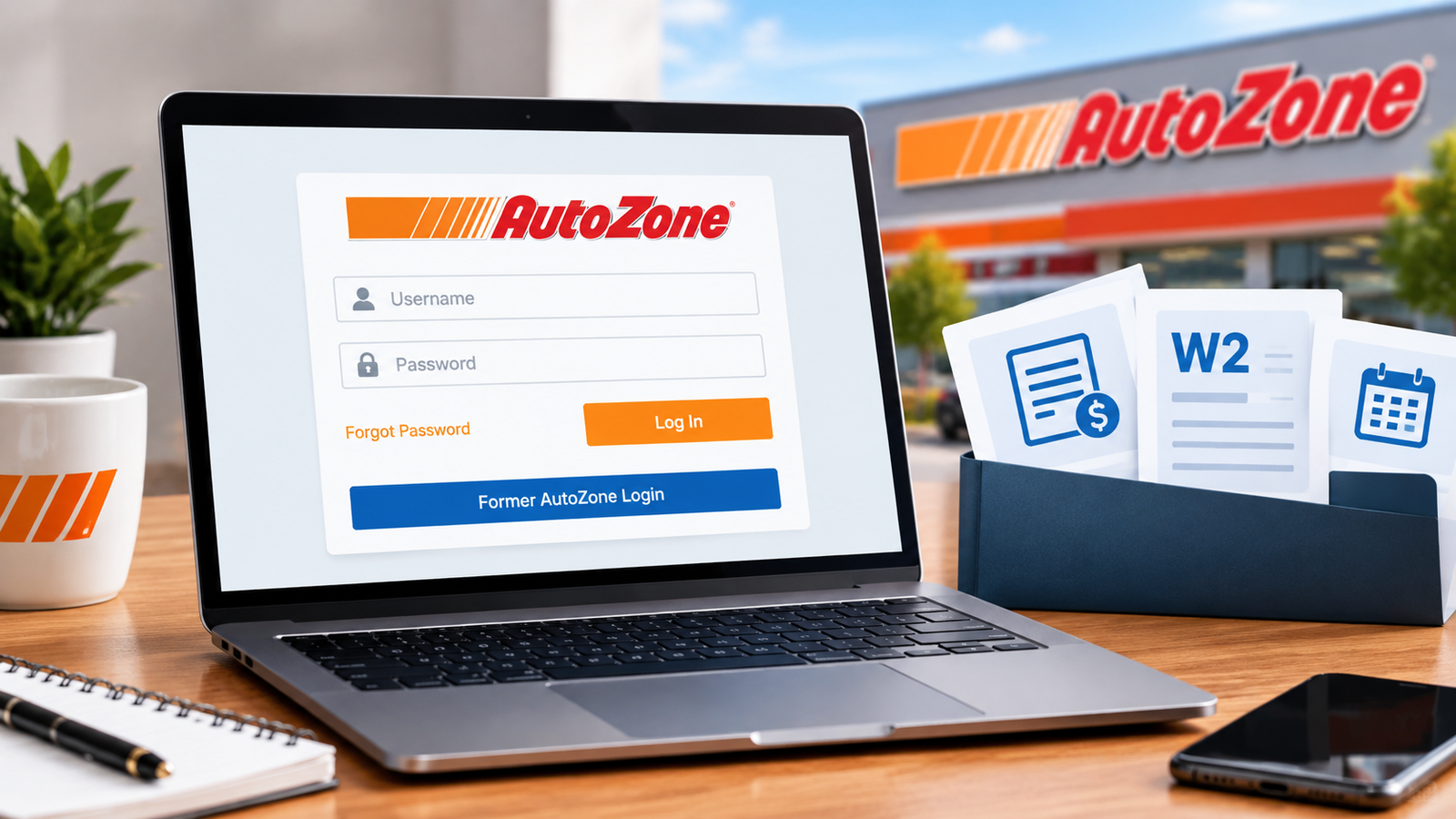
You need one document, and you need it today. Maybe it’s last week’s pay stub for a rental application, or a W2 so you can file your taxes. You search for azpeople, and suddenly you’re picking between a dozen pages that all look official.
This guide cuts through the noise. It explains how the AZPeople login works, how to activate your Ignition password, where pay stubs and W2s live, and how to fix the sign in problems that trip up current and former AutoZoners most often.
One note first: this is an independent guide, not an official AutoZone resource. Portal menus and policies change over time, so if something here doesn’t match your screen, trust the portal and your HR team.
What AZPeople Is and Who Uses It
AZPeople is AutoZone’s employee self service portal. Think of it as a digital service counter where you handle personal employment tasks without waiting on a manager. Current employees reach it at azpeople.autozone.com, and that address is worth bookmarking.
Inside, employees typically manage payroll records, tax forms, and personal details such as address and phone number. Programs like the employee stock purchase plan are also handled there. What you see depends on your role and employment status.
Current employees and former employees use different doors
Current AutoZoners sign in to AZPeople with an Employee ID and an Ignition password. Former employees usually cannot use that portal. Their tax documents are generally handled through ADP at my.adp.com.
Knowing which door applies to you saves real frustration. A former employee who keeps typing credentials into the current employee portal will often hit a wall, and no amount of password resets will fix that.
Before You Sign In
A little preparation prevents most login failures. Have these ready before you start:
- Your Employee ID, which typically doubles as your Ignition username
- Your Ignition password, or the details needed to activate one
- An up to date browser on a device you trust
- A stable connection, with any VPN switched off
Confirm the web address
Type the address yourself or use a saved bookmark. Many unofficial sites rank for this keyword, and some are designed to look like the real thing.
The genuine portal sits on the autozone.com domain. If the address ends anywhere else, close the tab. Never enter your credentials on a page you reached through a random ad or a message.
Activating Your Ignition Password
Ignition is the credential system behind your AutoZone sign in. New hires typically activate it before their first login, and returning employees may need to redo it if their access lapsed.
- Open the Ignition password self service page, linked from the login screen or provided by HR.
- Enter your Employee ID, last name, and the secret code requested. That code is built from personal details on file with HR, so confirm the current format with your store manager or HR rather than trusting a random website.
- Create a new password. Make it long, unique, and different from any personal email or banking password.
- Set up your security questions.
Choose security answers you will still remember a year from now, and store them in a password manager. Forgotten security answers are one of the most common reasons people get locked out, and they are the hardest problem to fix on your own.
The AZPeople Login Process
Once your Ignition password is active, signing in takes a minute.
- Go to azpeople.autozone.com.
- Enter your Employee ID and Ignition password.
- Complete any extra verification step if the portal asks for one.
- Open the main menu and choose Self Service.
- Select Payroll and Compensation.
The portal works in a standard browser on a laptop, tablet, or phone, so you don’t need to be in the store. Always log out when you finish, especially on a shared or public device.
Finding and Reading Your Pay Stubs
Inside Payroll and Compensation, look for the option to view your paycheck. You’ll usually see a list of pay dates. Select one and download the statement as a PDF.
Older guides report that these PDFs may ask for a password made from the last four digits of your Social Security number. If you’re prompted, that is the standard thing to try. Don’t email or text your full number to anyone to solve it.
How to read your pay stub without confusion
A pay stub looks dense, but only a few lines matter for most tasks:
- Gross pay: what you earned before anything is taken out.
- Deductions: taxes, Social Security and Medicare, and any benefits or retirement contributions.
- Net pay: the amount that reaches your bank account.
- Year to date totals: running amounts for the calendar year, which are what lenders and tax filers often care about.
Compare the hours listed with the hours you actually worked, especially after overtime or schedule changes. If a deduction looks unfamiliar, ask payroll or HR to explain it. It is much easier to fix a small error early than to untangle it at tax time.
Keep your own copies
Portals can be unavailable at the worst moment. Download your stubs periodically and store them somewhere private, such as an encrypted folder or a password protected drive. Apartment applications, car loans, and benefit claims often ask for your last two or three stubs, and you’ll be glad to have them.
Getting Your W2
Your W2 summarizes what you earned and what was withheld for the year. Employers are required to furnish it by January 31, so it should be available around then.
For current employees
Go back to Payroll and Compensation and look for the option to view W2 or W2c forms. Choose the tax year you need, then download it. Some sources describe W2s living inside AZPeople, while others describe a handoff to ADP. Portal layouts change, so if you get redirected, that is normal. Follow the path the portal shows you.
For former employees
Former AutoZoners typically use ADP. Here is the usual route:
- Go to my.adp.com and choose the option to register.
- Enter the company registration code. Several employee guides list a code combining AutoZone and MyADP, but confirm it with HR, because codes can change.
- Provide your personal details. They must match AutoZone’s records, so use your legal name.
- Verify your identity through the email or text code that ADP sends.
- Create your account, then open Tax Statements and select your W2.
Verification codes tend to expire quickly, so have your phone or inbox open before you begin.
If your W2 is missing or wrong
Work through these steps in order:
- Confirm the mailing address on file, since a paper copy may have gone to an old one.
- Check both AZPeople and ADP, depending on your status.
- Contact HR or payroll and ask for a reissue.
- If the numbers are wrong, ask for a corrected W2c.
- If February passes with nothing, the IRS can help, and a substitute form exists for that situation. A tax professional can walk you through it.
Fixing Sign In Problems Fast
Most login errors come down to a handful of causes. Start with the symptom that matches yours.
You forgot your password
Use the forgot password option on the Ignition page. You’ll be asked to verify your identity, usually with your security questions. Once you pass, create a fresh password instead of tweaking an old one.
You can’t answer your security questions
If the self service reset won’t complete, stop retrying. Ask your store manager or HR to route you to the help desk. Have your Employee ID and full legal name ready, and expect to verify your identity another way.
Your account isn’t found, or activation fails
This is often a data mismatch, not a system fault. Check these common culprits:AZPeople
- A nickname used in place of your legal name
- A missing middle initial or a maiden name
- A mistyped Employee ID
- A last name that changed and was never updated in HR records
If everything looks right, HR may need to correct your record before activation can work.
The page won’t load, or you see an error
Try these fixes in order, since each takes under a minute:
- Turn off any VPN.
- Open a private or incognito window.
- Clear your browser cache and cookies.
- Try a different browser or device.
- Switch networks, for example from home internet to mobile data.
If the page mentions maintenance, don’t keep hammering it. Wait an hour and try again.
Your account is locked
Repeated wrong guesses can trigger a lockout. Stop, wait, and then try once with a password you are sure about. If the lock persists, ask the help desk to unlock it.
An extra verification code never arrives
Check your spam folder first. Then confirm the phone number or email tied to your account is current. If it’s outdated, you’ll need the help desk to update it, since you can’t reach the settings without getting in.
Who to contact and what to bring
Go up the chain in this order: your store manager, then HR or payroll, then the help desk number listed in AutoZone’s internal resources. Skip phone numbers from third party sites, which can be outdated.
Before you call, gather your Employee ID, a plain description of the problem, and a screenshot of any error message. Hide personal details in the screenshot before you share it.
Other Things You Can Do Inside the Portal
Beyond pay stubs and W2s, AZPeople is where many employees handle routine account upkeep. Availability varies by role and location, so treat this as a general picture.
Updating your address and phone number matters more than it sounds. Tax forms and verification messages go to the details on file. If you move and forget, your W2 may land in the wrong mailbox.
You may also find information on the employee stock purchase plan and benefits. Terms change, so read the current details inside the portal or ask HR before making decisions about money.
Protecting Your Account and Identity
Payroll accounts hold your name, your pay, and pieces of your Social Security number. That makes them attractive to scammers.
- Bookmark the official address and use only that.
- Never share your Ignition password, even with someone claiming to be IT.
- Ignore texts or emails that say your payroll is on hold and ask you to click a link.
- Remember that a legitimate guide, including this one, never needs your login details.
- Log out on shared devices and close the browser window completely.
- Use a password you don’t reuse anywhere else.
If you suspect someone accessed your account, change your password, tell HR immediately, and consider watching your credit.
Before You Leave AutoZone
People often lose access at the exact moment they need their records most. If you’re planning to leave, do this while you still can:
- Download all your recent pay stubs and your latest W2.
- Save a copy of any benefits or stock plan statements.
- Set up your ADP account early, if you can, so it’s ready.
- Make sure your mailing address is correct.
- Note a personal email address on file, so verification messages can reach you.
Ten minutes of preparation can save weeks of chasing paperwork later.
Conclusion
The AZPeople login opens the door to your pay stubs, tax forms, and personal employment details. Current employees sign in at azpeople.autozone.com with an Employee ID and Ignition password. Former employees usually go through ADP for tax documents.
When something breaks, work through the causes in order: check the address, turn off your VPN, verify your name matches HR records, and don’t keep guessing at passwords. Then escalate through your store manager, HR, and the help desk.
Finally, keep your own copies of important documents and stay alert for look alike sites. A few minutes of care now will save you hours later.
Frequently Asked Questions
Where do I log in to AZPeople?
Current employees use azpeople.autozone.com. Bookmark it, and avoid reaching it through ads or unfamiliar links.
Which password does AZPeople use?
It uses your Ignition password, paired with your Employee ID. If you’ve never set one up, complete the Ignition activation first.
Can former employees use AZPeople?
Generally no. Former employees typically retrieve pay and tax documents through ADP at my.adp.com, so confirm the current process with HR.
When can I get my W2?
Employers must furnish W2s by January 31. Check your portal around then, and contact HR if nothing appears.
Can I use AZPeople on my phone?
Yes. It works in a standard mobile browser, though a laptop can make downloading and printing PDFs easier.