
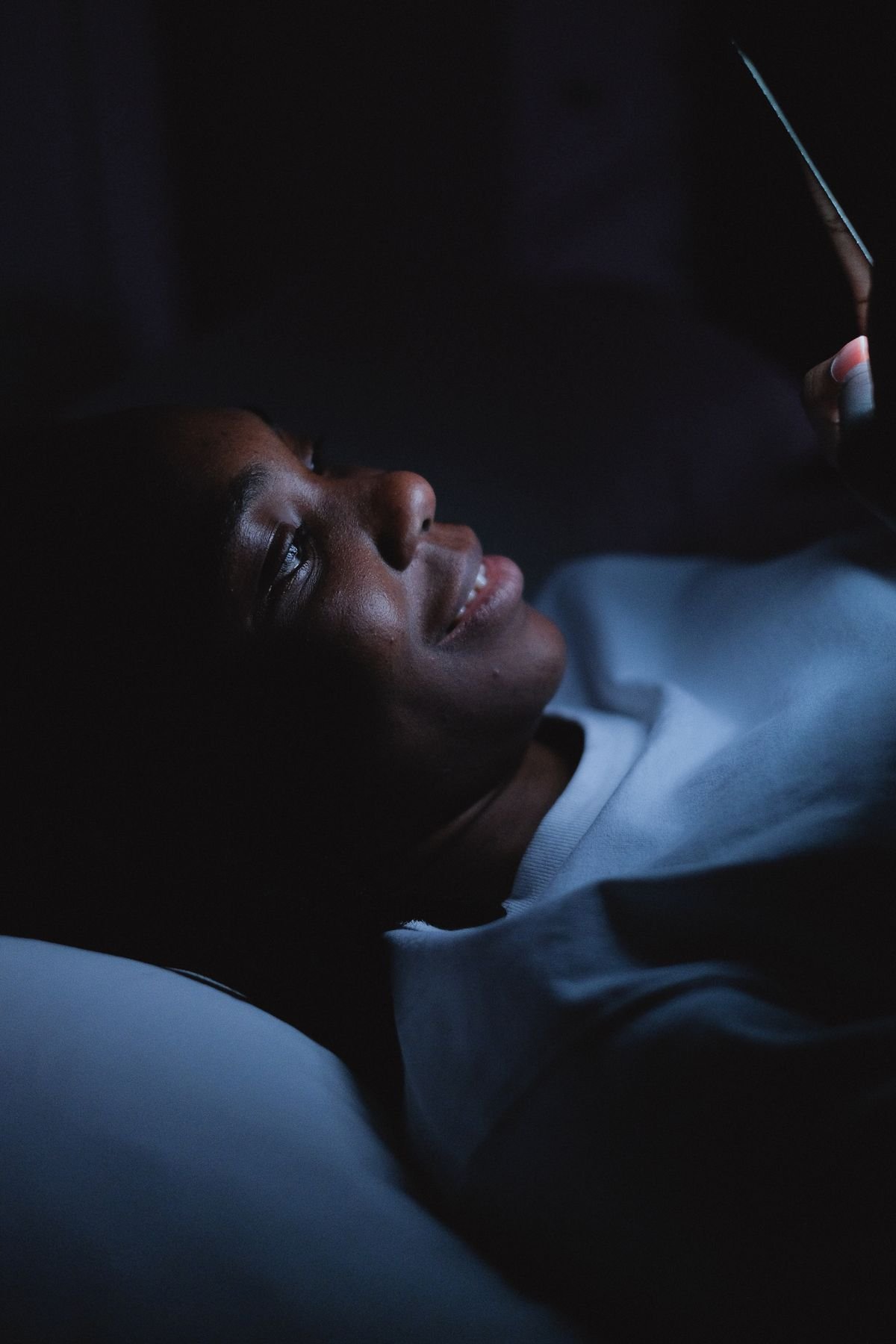
You climb into bed at a reasonable hour, phone in hand, planning one quick check. Then the feed takes over. One video becomes twenty, the news cycle restarts itself, and suddenly it is past midnight and your eyes are wide open. If that sounds familiar, you are not lazy and you do not lack discipline. You are up against apps designed to keep you scrolling, at the exact hour when your self control is lowest. The good news is that you can learn how to stop doomscrolling before bed without deleting apps, by changing the setup around the habit instead of fighting it with willpower alone.
The story matters here because the usual advice fails for a simple reason. Telling yourself to just put the phone down ignores why the scroll happens. At night you are tired, the day is over, and the phone is the easiest source of novelty in the house. Deleting apps feels decisive, but most people reinstall them within days because they still need the apps for messages, work, or keeping up with friends. A better plan keeps the apps and makes the nighttime scroll harder to start, easier to stop, and less rewarding to continue.
Why Willpower Fails at Night
Feeds have no ending. There is no last post, no final page, and no natural stopping point, so the scroll only ends when something else interrupts it, like a dead battery or a notification from another app. That design works against you most at night, because decision fatigue is real. After a full day of choices, the part of your brain that says enough is tired too.
Sleep pressure makes it worse. When you are tired, your brain looks for low effort stimulation, and a feed delivers exactly that: bright images, short videos, and a fresh item every second. The light from the screen also signals your brain to stay alert, which pushes sleep further away even as your body gets more tired. The result is a loop. You scroll because you are tired, and you stay tired because you scroll.
Understanding this loop changes the fix. Instead of trying to be stronger at midnight, you set up the evening so the scroll never gets a fair start. Every method below works on the setup, not on your character.
How to Stop Doomscrolling Before Bed Without Deleting Apps: The Nightly Shutdown
Pick a digital sunset time, ideally 30 to 60 minutes before bed, when screens go off for the night. If an hour feels unrealistic, start with 20 minutes and build up over a week. Set a nightly alarm labeled with something plain like power down, and treat it as a real appointment. When it sounds, the phone goes on charge outside the bedroom or at least across the room, and a basic alarm clock takes over the job of waking you up.
Charging the phone outside the bedroom is the single most effective change in this whole guide. It removes the trigger entirely. You cannot scroll in bed if the phone is not in bed with you. If outside the bedroom is not possible, charge it in a drawer or on a high shelf across the room, anywhere that takes real effort to reach in the dark.
Next, give the last hour a replacement. A paper book, a short stretch, a shower, or ten minutes of writing tomorrow’s top three tasks all fill the gap the scroll used to fill. This matters more than people expect. Scrolling fills a gap in the evening: a wait, a low moment, or simple boredom. If nothing else fills that gap, the scroll comes back, because the need behind it is still there.
Make the Apps Harder to Open Without Deleting Them
You do not have to delete anything to make the apps less grabby. Start with notifications. Turn off feed and news notifications for the evening, or for the whole day if you can, and keep only messages from real people. Every buzz is a prompt to open the app, and removing the prompts removes a large share of the sessions before they start.
Then move the apps off your home screen. On both iPhone and Android you can remove an app icon from the home screen while keeping the app installed, so it lives only in the app library or app drawer. That small extra step, opening the library and searching, is enough friction to break the automatic reach and tap that starts most nighttime sessions.
Then add a daily limit. Both iPhone Screen Time and Android Digital Wellbeing let you set a daily time budget for social and news apps, with the apps pausing when the budget runs out. Set the limit generously at first, for example 60 minutes, and tighten it by ten minutes every few days. A limit you keep beats a strict limit you override on night one.
For a stronger nudge, use a pause app that adds a short countdown before a feed app opens. A wait of even 20 seconds interrupts the autopilot reflex and gives your brain a moment to choose on purpose. Research on friction based interventions has found they cut app openings sharply, and the reason is simple: the pause turns an automatic habit into a deliberate choice.
Replace the Scroll Slot, Not Just the Scroll
Most nighttime scrolling happens in two windows: the wind down before sleep and the first minutes after waking. The wind down window is the one to fix first. Decide in advance what goes in that slot. A chapter of a book, a podcast with the screen off, or a short walk around the block all work, because they give your brain something absorbing that does not refresh itself every second.
Grayscale is another useful trick for the wind down hour. Turning your display to black and white makes feeds noticeably less stimulating, because much of their pull comes from color. On iPhone it sits under accessibility display settings, and on Android under digital wellbeing or developer options. You can toggle it on for the evening and back off in the morning, and many people find the feed loses its grip once the color is gone.
Also curate the feed itself. Mute or unfollow accounts that post stressful news late at night, and move the accounts you genuinely enjoy to a list you check at lunch instead. Doomscrolling is driven by negative news more than by fun content, so a calmer feed at night is a calmer brain at night. You are not cutting yourself off from the world. You are choosing when to meet it.

Fix the Morning Too, Because It Sets the Night
The morning scroll and the night scroll feed each other. If the first thing you do each morning is open a feed in bed, you train the habit of phone in bed, and that training pays off again at night. A phone that charges outside the bedroom fixes both ends at once, because the morning starts with an alarm clock and a shower instead of a feed.
Give the morning its own replacement slot as well. Breakfast without a screen, a short walk, or simply getting dressed before touching the phone all set a calmer pattern for the day. People who protect the first 30 minutes of the day often find the last 30 minutes of the day easier to protect too, because the habit of phone free edges starts to feel normal rather than forced.
If your work genuinely needs evening phone access, set a narrow exception and keep it narrow. For example, messages from family stay on, while feeds and news stay off after your digital sunset time. A focused exception you can keep is better than a total ban you break, because every break teaches your brain that the boundary was never real.
What to Do When You Slip
You will slip. A stressful news day, a late night out, or a boring evening will pull you back into a feed, and that is normal. The mistake is treating one slip as proof the whole plan failed and giving up. Instead, treat a slip as data. Ask what time it happened, which app pulled you in, and what was missing that evening: was the phone charging in the bedroom again, had you skipped your replacement activity, or was the feed still on your home screen?
Fix the one setup gap you find, and restart the next night. Progress here looks like fewer minutes and fewer nights, not perfection. Most people who stick with friction plus limits report a meaningful shift within one to two weeks: earlier bedtimes, faster sleep, and mornings that start calmer. That is the real payoff, and it arrives sooner than most people expect.
Two related habits help the same goal. Our guide on starting journaling for beginners without fancy supplies gives you a screen free wind down activity that takes five minutes. And if phone clutter is part of the problem, our guide on freeing up phone storage without deleting photos helps you tidy the device itself so it feels less chaotic to use.
Conclusion
To learn how to stop doomscrolling before bed without deleting apps, change the setup and keep the apps. Set a digital sunset time, charge the phone outside the bedroom, turn off feed notifications, move the apps off the home screen, and give yourself a daily app budget. Fill the old scroll slot with a book, a walk, or a short journal entry, and treat slips as setup gaps to fix rather than failures. The takeaways are simple: friction beats willpower at midnight, the phone outside the bedroom beats every other trick, and a calmer evening routine protects both your sleep and your morning.
Frequently Asked Questions
Can I stop doomscrolling without deleting my apps?
Yes. Turn off feed notifications, move the apps off your home screen, set a daily time limit, and charge the phone outside the bedroom. These setup changes make the scroll harder to start without cutting off the parts of the apps you actually use.
How long before bed should I stop scrolling?
Aim for 30 to 60 minutes before bed. If that feels too long, start with 20 minutes and add five minutes every few nights until the wind down hour feels normal.
Does grayscale really help with doomscrolling?
For many people, yes. Color is part of what makes feeds rewarding, and a black and white display makes the feed noticeably duller. It works best combined with app limits, not as a replacement for them.
What should I do instead of scrolling at night?
Pick one absorbing replacement and use it every night: a paper book, a podcast with the screen off, a short stretch, or a few lines in a journal. A consistent replacement beats a different activity every night, because it becomes the new habit.
What if I need my phone for work in the evening?
Keep a narrow exception for real messages from family or work, and keep feeds and news off after your digital sunset time. A focused exception you keep is stronger than a total ban you break.