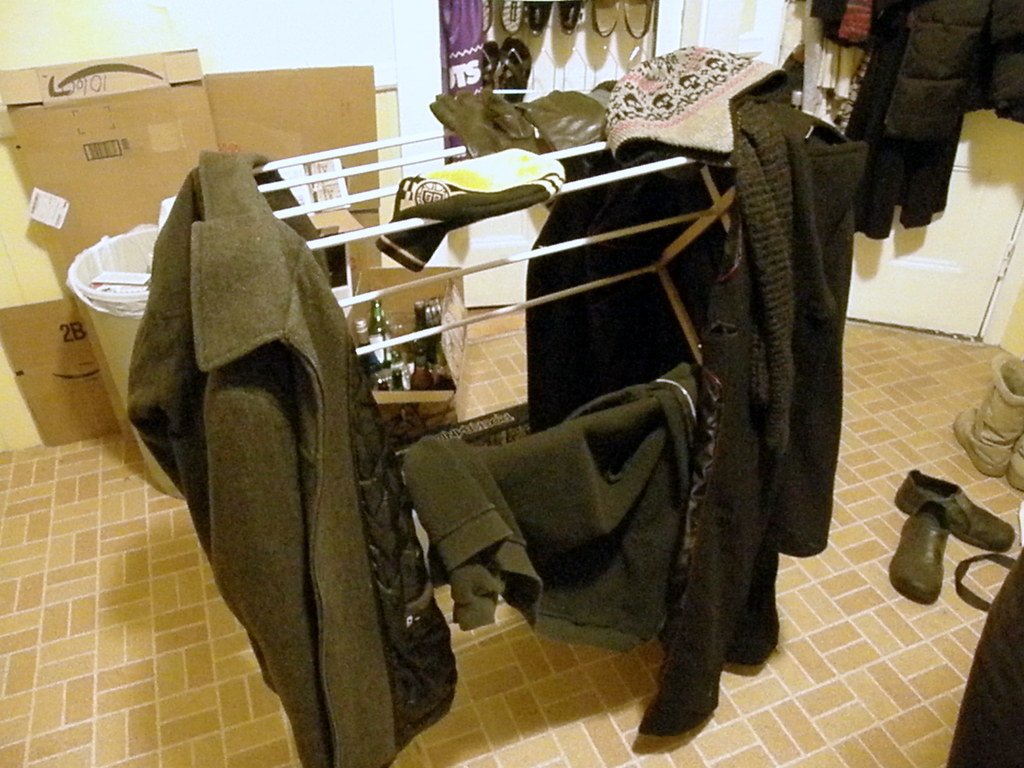

It is Monday morning. You set your coffee down, open your laptop, and realize you cannot see the desk underneath it. Papers cover the keyboard. Cables snake across the surface like vines. A stack of notebooks leans against the monitor, and somewhere under it all is the charger you need. You spend 20 minutes digging through the mess before you do a single minute of real work. Sound familiar?
If your desk looks like that most mornings, you are not lazy and you are not broken. You are working in a space that fights you. Every stray paper, every tangled cord, and every random object on your desk is a small demand on your attention. Learning how to declutter your desk for better focus is not about having a desk that looks good in a photo. It is about building a space that lets you think clearly and start work without a daily battle.
This guide gives you a realistic 7 day plan. Each day asks for one small step, about 15 to 30 minutes of effort, and nothing more. By Sunday you will have a clear desk, a simple system to keep it that way, and a routine that takes only a few minutes at the end of each day. No big shopping trip is needed, and you do not have to throw away things you love. You only have to decide what earns a place on your desk and give everything else a home somewhere else.
Why a messy desk steals your focus
There is real science behind the feeling that clutter makes it hard to think. Researchers at Princeton University found that visual clutter competes for your attention. When many objects crowd your field of vision, your brain has to work harder to filter out what does not matter, and that leaves less attention for the task in front of you. A messy desk is not only untidy. It is noisy in a visual sense, and your brain pays the price all day.
Clutter also creates small decisions all day long. Should that bill go in a drawer or stay on the desk? Is that cable for your phone or your headphones? Where did you put the pen that actually works? Each question is tiny, but together they drain the same mental energy you need for real work. Decision fatigue is real, and a cluttered desk feeds it from the moment you sit down.
The good news is that the fix is simpler than most people expect. You do not need a perfect desk. You need a desk with a clear purpose, a place for the few things you use every day, and a habit that keeps the clutter from creeping back. That is exactly what the 7 day plan below will build, one day at a time.
The 7 day plan at a glance
Here is the whole week in one short list. Each day builds on the one before it, so try to follow the order even if you move a day by a day or two to fit your schedule.
- Day 1: Clear everything off the desk
- Day 2: Run the box test and keep only what you use
- Day 3: Create desk zones for work, writing, and occasional tasks
- Day 4: Tame the cables
- Day 5: Purge the drawers
- Day 6: Clear your digital desktop
- Day 7: Build the end of day reset and the one touch rule
Day 1 Clear everything off the desk
Start by taking everything off your desk. Yes, everything. The laptop, the papers, the mugs, the cables, the pens, the plant, all of it. Put it on a nearby table, a bed, or the floor. This step feels drastic, and that is the point. You cannot judge what belongs on your desk while it is buried under everything else. A clean surface gives you a fresh start and a clear view of the space you actually have.
Once the desk is bare, wipe it down. Clean the surface, the edges, and the area around it. Dust the monitor and keyboard if they need it. This small act of care changes how you feel about the desk. It stops being a dumping ground and starts being a workspace again. Give yourself 15 minutes for the clearing and 5 minutes for the wipe down, then stop. Day 1 is done when the desk is empty and clean.

If the photo above looks like your desk on a normal morning, you are in the right place. That cluttered surface is the starting point, not a sign of failure. Tomorrow you will decide what comes back.
Day 2 Run the box test and keep only what you use
Today you decide what earns its way back onto the desk. Get a box or a bag and put everything you removed yesterday into it, except the laptop, the monitor, the keyboard, and the mouse. Those stay. Everything else goes in the box. Now, over the next week, take an item out of the box only when you actually need it. If a week passes and you never reached for something, it does not belong on your desk.
This is the box test, and it works because it replaces guessing with evidence. Most of us keep things on our desks just in case. The box test asks a better question: did you use it this week? A stapler you touch once a month belongs in a drawer. A notebook you open every morning belongs on the desk. Let your real habits decide, not your worries about the future.
As you sort, make three quick piles for the things that do not go back on the desk. One pile goes to a drawer or shelf, one pile goes to another room, and one pile leaves the house entirely, either in the trash or in a bag for donation. Be honest but not harsh. If you are unsure about an item, put it in the box and let the test decide. You can always take it back later, and that safety net makes the decisions much easier.
When you sort papers, keep the pile small. Scan or photograph anything you need to keep for reference, then recycle the paper. If paper piles are a constant problem, a simple digital filing system for a small business can move those stacks off your desk for good. A clear desk starts with fewer papers, not better piles of paper.
Day 3 Create desk zones for work, writing, and occasional tasks
With only your daily tools back on the desk, it is time to give each one a fixed home. Think of your desk in three zones. The primary zone is directly in front of you, within easy reach. This is where the laptop or monitor, the keyboard, and the mouse live. Nothing else should sit here during work hours. The writing zone is to one side, with space for a notebook and a pen. The occasional zone is at the back or in a corner, for things you use a few times a day, like a phone charger or a reference book.
Zones work because they remove decisions. You no longer wonder where the notebook goes. It goes in the writing zone, every time. You no longer stack papers on the keyboard, because the primary zone is only for active work. When everything has a zone, putting things away takes seconds instead of thought, and the desk starts to tidy itself as you work.
If you write by hand a lot, keep the writing zone clear of screens and cables. A clean patch of desk invites you to think on paper, and many people find that a short handwritten note helps them plan the day better than another open tab. If you mostly type, make the writing zone small and give the primary zone more room. The zones should fit your work, not a photo of a perfect desk.
Voice typing can also free up desk space once your zones are set. If you draft emails or notes out loud, you need less room for papers and reference sheets. Our guide to voice typing to write faster shows how to get started with the tool that is already built into most laptops and phones.
Day 4 Tame the cables
Cables are the hardest part of a tidy desk because they multiply in silence. A phone charger, a laptop charger, a monitor cable, headphones, a lamp, and a speaker can turn a clear desk into a nest in a week. Today, unplug everything, untangle the mess, and start fresh. Label each cable with a small piece of tape and a pen so you know what it belongs to.
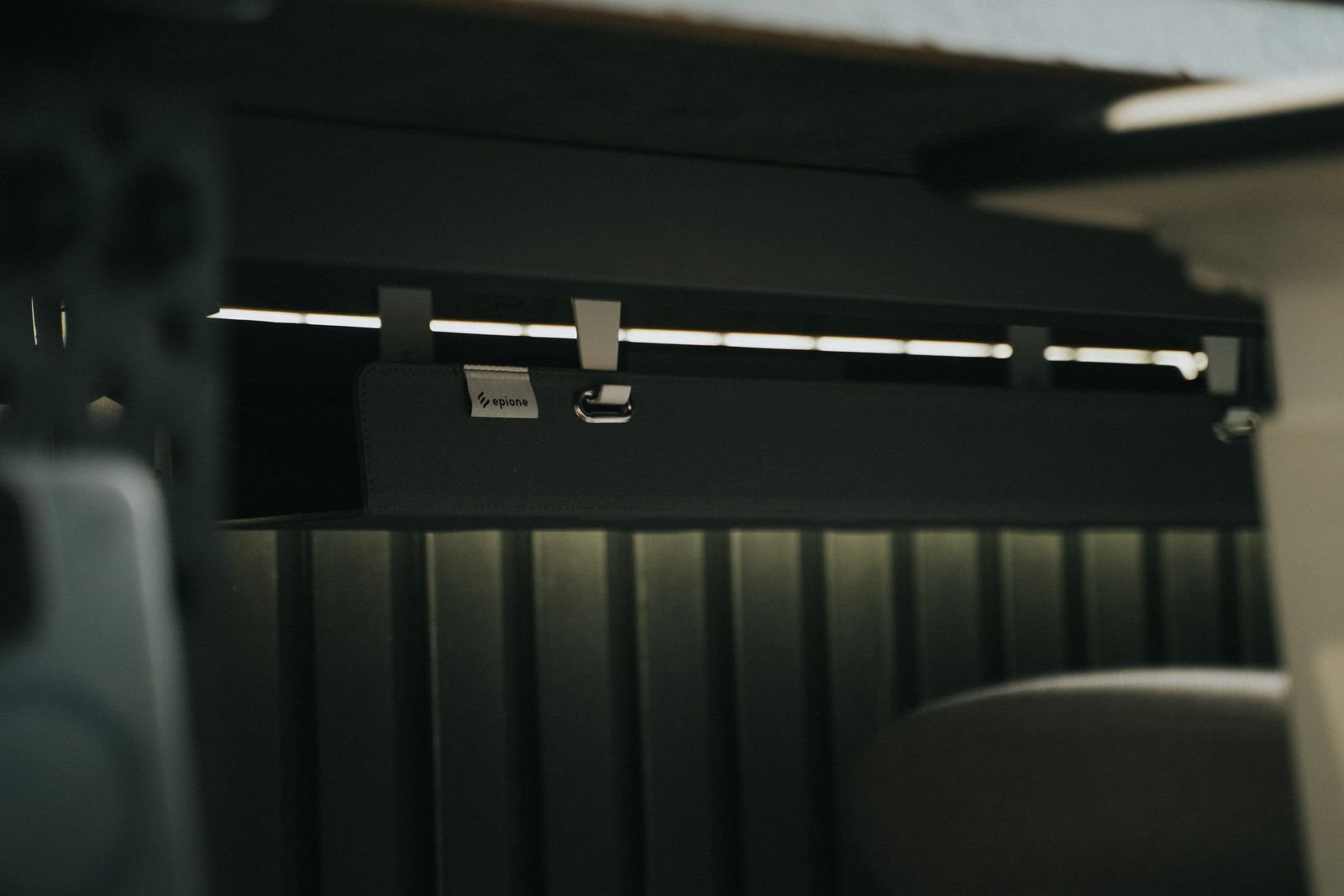
Route the cables you use every day along the back edge of the desk and clip them in place. A simple cable tray under the desk, a few adhesive clips, or a small box for the power strip can hide most of the mess for under 20 dollars. Keep the phone charger in the occasional zone so the cable does not cross your primary work area. Anything you use less than once a week, like an old camera cable, belongs in a drawer, not on the desk.
The goal is not invisible cables. The goal is cables that stay where you put them and never block your work. When you can unplug your laptop without pulling three other cords with it, Day 4 is done.
Day 5 Purge the drawers
A clear desktop is easy to ruin if the drawers are still full of junk. Today, empty one drawer at a time onto the desk, sort quickly, and put back only what belongs there. Old pens that no longer write go in the trash. Dried out markers, dead batteries, and mystery keys go too. Keep the things you reach for often, and give each drawer a single job: one for stationery, one for cables and chargers, one for personal items.
Use small boxes or trays inside the drawers if you have them. A drawer divider costs only a few dollars, and it stops the small items from sliding into a mixed pile every time you open the drawer. If you do not have dividers, small food containers or gift boxes work just as well. The tool matters less than the rule: everything in the drawer has a place, and nothing goes in without one.
Be honest about the drawer of maybe items. We all have one, full of things we might need someday. If you have not touched an item in a year, it is safe to let it go. If it is a spare charger for a device you no longer own, it is definitely safe. A drawer you can open and close without a jam is a small daily pleasure, and it keeps the desktop clear because things have somewhere real to go.
Day 6 Clear your digital desktop
Your computer desktop deserves the same treatment as the wooden one. A screen covered in files and screenshots is the same kind of visual clutter, and it slows you down every time you search for the right file. Today, create three folders on your computer: Current Work, Reference, and Archive. Move every file on your desktop into one of them. If you are unsure, put it in Archive. You can always find it with search later.
Next, close the tabs you no longer need. Most of us keep 20 or 30 tabs open just in case, and each one is a small pull on our attention. Bookmark the ones that matter, close the rest, and notice how much calmer your browser feels. Then empty the downloads folder and the trash. A tidy digital space supports the tidy physical one, and the two reinforce each other.
Set a simple rule for new files: name each file clearly when you save it, and put it in its folder right away instead of leaving it on the desktop. A file named clearly today saves a five minute search next week. Do the same for screenshots. Delete the ones you no longer need and file the ones you do. Your future self will thank you at 9 in the morning when the day starts clean.
Day 7 Build the end of day reset and the one touch rule
The last day is about the future, not the desk. A tidy desk lasts only if you have a habit that protects it. The end of day reset takes five minutes. Before you finish work, clear the desktop, put papers in their folder, return pens and notebooks to their zones, and plug in the devices that need charging. Then look at the desk. If it is clear, you are done. Tomorrow starts with a clean surface instead of the mess from yesterday.
Pair the reset with the one touch rule. When you pick something up, deal with it right away instead of setting it down to handle later. Open the mail and file it or throw it away. Read the note and add it to your task list or recycle it. Answer the short email now or schedule it for the morning. Every item you touch once is one less pile waiting for you on Friday.

This is the desk you are working toward: a clear surface, a laptop ready to go, one small plant, and nothing competing for your attention. It does not need to look like a magazine photo. It only needs to let you sit down and start work in seconds.
What should stay on your desk
After the box test, most people end up with a short list of keepers. Your laptop or monitor, keyboard, and mouse are obvious. A notebook and one pen that works are worth keeping if you write by hand. A water glass or bottle is fine, and so is a lamp if your room is dark. One personal item, a photo, a small plant, or a souvenir from a trip, earns its place because it makes the space feel like yours. Two or three personal items are usually fine. Ten are clutter again.
What should leave? Anything you use less than once a week, anything broken, anything that belongs in another room, and anything you keep out of guilt. The gift mug you never use, the stack of magazines from last year, the cables for devices you no longer own, and the pile of papers you are avoiding all belong somewhere else. If an item makes you feel guilty every time you see it, it is costing you focus, and it is time to move it on.
Ask one question about each item: does this help me do my best work today? If the answer is yes, it stays. If the answer is maybe, it goes in the box. If the answer is no, it goes. Simple questions beat complicated systems, and they make the next tidy up much easier.
How to declutter your desk for better focus and keep it tidy
Here is the honest part. A new habit does not form in a week. Research by Lally and colleagues in 2010 found that forming a new habit takes weeks rather than days, with a median of about 66 days for the people in their study. That sounds like a long time, but it also takes the pressure off. You do not need to be perfect this week. You only need to repeat the reset often enough that it starts to feel automatic.
Plan the next day before you leave the desk. A short list of the top three tasks for tomorrow, written in your notebook or on a sticky note, gives the morning a clear start. If prioritizing feels hard, our guide to prioritize tasks using the Eisenhower matrix shows a simple way to sort urgent work from important work. A clear desk plus a clear plan is a strong start to any day.
If the desk slips back into clutter, do not start over from zero. Run a short version of Day 1: clear the desk, run the box test for one day, and reset the zones. A 30 minute refresh once a month is enough to keep the system alive. Progress is not a straight line, and a messy Friday does not erase a tidy month. Notice the slip, fix it the same day, and move on.
Small rewards help too. A fresh plant, a better pen, or a notebook you enjoy using can make the desk a place you want to sit. Spend a little on the tools you touch every day, and spend nothing on storage you do not need. The best desk setup is the one you actually use, not the one that costs the most.
Frequently Asked Questions
Where do I start when I declutter my desk?
Start by clearing everything off the desk, as described in Day 1. An empty surface shows you the space you have and makes every later decision easier. Do not start by buying storage. Start by removing things.
How long does it take to declutter a desk?
Most people finish the 7 day plan in about 15 to 30 minutes a day. A very cluttered desk might need an extra hour on Day 1 and Day 2, but the plan still works if you spread those days over a weekend. The end of day reset after that takes about five minutes.
What should stay on my desk?
Keep the tools you use every day: laptop or monitor, keyboard, mouse, one notebook, one working pen, and one personal item like a plant or a photo. Move anything you use less than once a week into a drawer, and remove anything broken or unused.
How do I keep my desk tidy after I declutter it?
Use the end of day reset every workday and the one touch rule for papers and small items. Plan the next day top three tasks before you leave, and run a 30 minute refresh once a month if clutter starts to creep back.
What should I do about all the cables?
Unplug everything, label each cable, and route the daily ones along the back edge of the desk with clips or a cable tray. Store cables you rarely use in a drawer. A tidy cable setup costs under 20 dollars and makes the desk look and feel much calmer.
Your desk is ready for better focus
Learning how to declutter your desk for better focus is a small project with a big return. A clear desk means fewer distractions, fewer lost minutes, and a calmer start to every workday. You do not need a new desk or an expensive organizer. You need seven small steps, a box, a few minutes at the end of each day, and the willingness to let go of what does not help you work.
Start today, even if today is not Monday. Clear the desk, run the box test, set your zones, tame the cables, purge the drawers, clear the screen, and build the reset. By next week your desk will be a place that helps you focus instead of one that fights you. Your future self, sitting down to a clear desk with coffee in hand and the charger exactly where it should be, will be glad you started.