
The weekend before my flat inspection, I stood behind my desk and saw what the inspector would see: a knotted mass of black cables spilling onto the floor, a power strip balanced on a pile of dust, and a charger cable stretched tight across the skirting board. I rent, so drilling was out of the question, and losing part of my deposit over a few holes felt absurd. One focused Saturday later, the whole mess was gone, the desk looked like a showroom, and not a single hole had been made. If you want to know how to hide cables behind your desk without drilling, this is the plan that worked, built for renters, home workers and anyone who wants a tidy desk without a drill.
The secret is not buying more gear. It is working in the right order: audit first, then mount the power hub, then route, then bundle. Most people do it backwards, buying a sleeve before they know what they are hiding, and they end up with a neater looking tangle instead of a clean desk.
Start With a 10 Minute Cable Audit
Turn everything off, unplug every cable, and pull the desk a little way from the wall so you can see the full picture. Lay the cables out and sort them into three groups. Power cables go in one group: monitor power, laptop charger, lamp, printer. Data cables go in a second group: HDMI, DisplayPort, USB hubs, external drives. Occasional cables go in a third group: phone charger, headphones, camera cable.
Now be ruthless. Every home has dead cables: chargers for phones long gone, a printer cable for a printer that no longer exists, an extension lead with a broken switch. Bin the dead ones or put them in a labelled box in a cupboard. In my audit I removed four cables before I hid a single one, and the job instantly got easier.
Label what is left. A strip of masking tape with the device name, wrapped around each cable near the plug, saves endless confusion later. This takes five minutes and it is the step everyone skips and later regrets, because the first time a monitor goes dark you will otherwise unplug three wrong cables to find the right one.
Measure the longest run while you are at it. You need to know the distance from each device to the wall socket, plus slack. Too short a cable pulled taut is a fire risk and a frustration. Too long a cable is clutter. Where a cable is far too long, swap it for a shorter one if you can; a 1 metre cable beats a 3 metre cable folded into a nest every time.

Mount the Power Strip First, Not Last
Here is the single change that makes the biggest difference. Most cable mess starts at the floor, where a power strip sits in a tangle of its own leads. Lift it off the floor and mount it under the desk, near the back edge, and half the mess disappears at once.
For a wooden desk, use a power strip holder with strong self adhesive pads or a screw free clamp mount that grips the desk edge. Press the pads firmly for 30 seconds and leave them for an hour before loading the strip, because adhesive needs time to bond. For a metal frame desk, magnetic hooks or magnetic cable ties hold a surprising amount of weight and leave no mark at all.
Plug everything into the mounted strip, then run one single cable from the strip to the wall socket. That one cable is the only cable that should ever touch the floor. Route it along the skirting board with adhesive clips, keeping it flat and out of walkways. Suddenly the floor is clear, the vacuum cleaner can reach the wall, and the whole setup looks intentional.
Choose a strip with a switch you can reach without crawling under the desk. Switching everything off at night saves energy and removes the faint standby glow that bothers light sleepers. It also means one switch kills the whole desk in a storm or a holiday, which is a genuine safety bonus.
Pick Your Routing Tools: Trays, Raceways and Sleeves
With the power hub mounted, you need a path for the cables to travel. Three tools cover nearly every desk, and you rarely need all three.
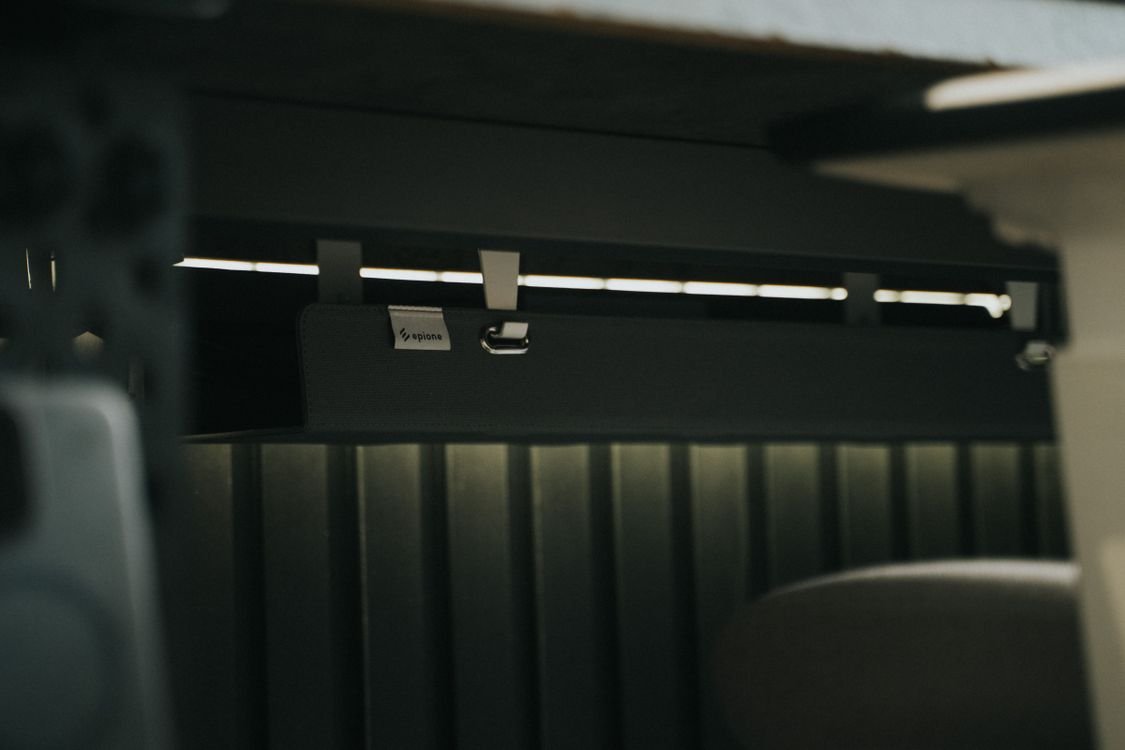
An under desk cable tray is the workhorse. It is a shallow basket or channel that fixes under the desk with adhesive pads or clamps, and it holds adapters, excess cable length and the power strip itself. Everything sits in the tray, out of sight from the front and from the sides. If you buy only one thing, buy this.
Adhesive cable raceways are slim channels that stick along the back edge of the desk or down the rear legs. They hide two or three cables each and can be painted to match the desk. They suit desks where a tray would be visible, and they are the best option for glass desks, where a tray would show through from above. Check the weight rating and clean the surface with a dry cloth before sticking, because dust is the main reason adhesive fails.
A braided cable sleeve gathers several cables into one neat trunk. It is ideal for the run from a monitor down to the desk, where power, HDMI and USB cables otherwise dangle separately. Use a sleeve with a zip or a wrap style opening, not a closed tube, so you can add or remove a cable later without starting over.
Avoid tight zip ties. They compress cables over time, they are miserable to remove, and they make every future change a cutting job. Hook and loop straps cost little more and can be opened and closed a hundred times. Bundle loosely, with a little give, and never pull a bundle so tight that connectors strain at either end.
The Standing Desk Slack Test
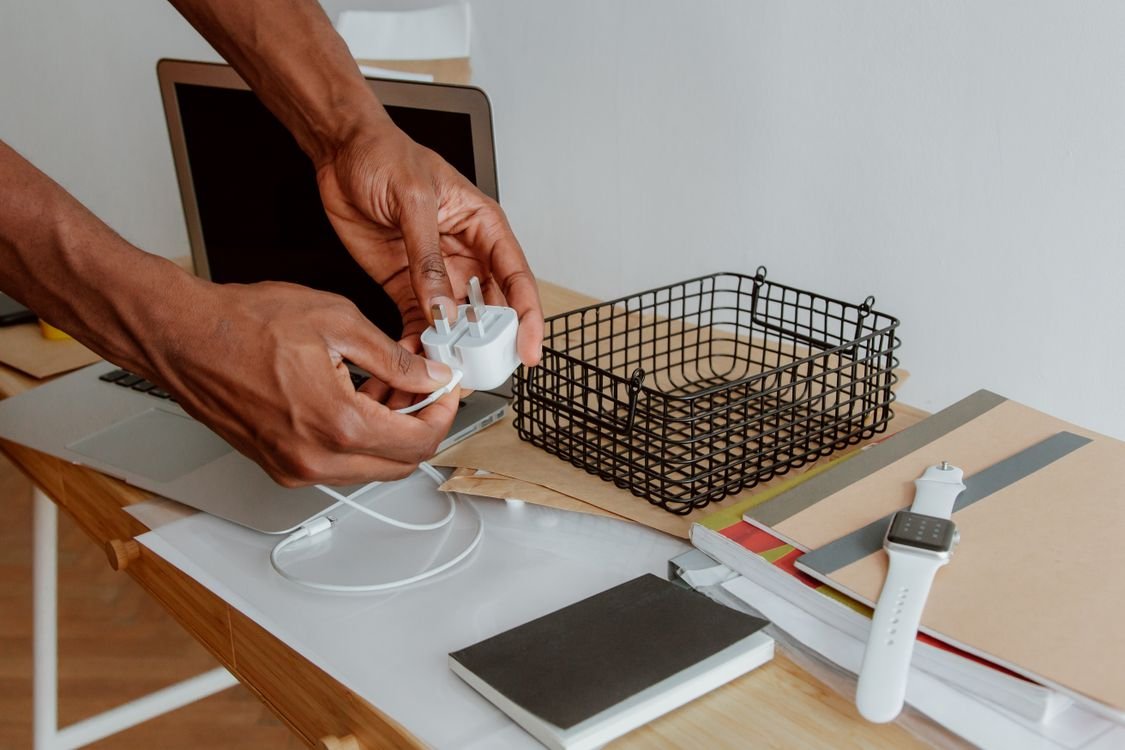
Standing desks break most cable plans, because a setup that looks perfect at sitting height turns into a stretched tripwire at standing height. Before you fix anything permanently, do the slack test.
Raise the desk to its highest position. Every cable that runs from the desk to a fixed point, like the wall socket, must still have a relaxed curve, not a straight tight line. Lower the desk to its lowest position and check the other direction: cables must not bunch up, snag on the frame, or push the tray off its pads. The fix is a cable spine, a flexible segmented channel that hangs from the desk to the floor and carries the cables as the desk moves, or simply a generous loop of slack held loosely in the tray.
Leave at least 15 centimetres of extra length on every cable that crosses from desk to wall. That small loop is the difference between a setup that survives daily height changes and one that slowly pulls plugs loose week after week.
How to Hide Cables Behind Your Desk Without Drilling in a Rental
Renters have one extra worry: the deposit. Every fix in this guide is removable, but a few habits protect you further. Photograph the wall and desk before you stick anything, so you have proof of the original condition. Use removable adhesive products rated for the surface, and avoid cheap foam tape on painted walls, because it can lift paint when removed. When you move out, warm the adhesive gently with a hair dryer before peeling, and wipe any residue with a damp cloth.
For glass desks, skip adhesive on the glass top itself. Use clamp on trays that grip the desk edge, and route cables down a rear leg with hook and loop straps. For very heavy setups, a freestanding cable spine that simply stands behind the desk hides everything without touching the desk at all.
If adhesive ever fails and a tray drops, do not just stick it back in the same dusty spot. Clean the surface, let it dry fully, and use fresh pads. A tray that falls twice is telling you the surface or the weight is wrong, and the answer is a clamp mount or a lighter load, not stronger glue.
The 30 Minute Tidy Desk Plan
Put it all together and the job fits into half an hour. Minutes 1 to 10: audit, discard dead cables, label the rest. Minutes 10 to 15: mount the power strip under the desk and run the single floor cable along the skirting board. Minutes 15 to 25: fit the tray or raceway, route each bundle, and sleeve the monitor cables. Minutes 25 to 30: do the standing desk slack test if your desk moves, switch everything on, and check every device works. Done in 30 minutes, and the only tools you used were a cloth, a pair of scissors and your hands.
The order matters. People who start with sleeves end up wrapping cables they later throw away. People who start with the power strip find the rest of the job almost plans itself.
Safety Rules Worth Knowing
Tidy cables are safer cables, but only if a few rules are respected. Keep power cables and data cables in separate bundles where you can, because it reduces interference and makes fault finding easier. Never run cables under rugs or carpets, where heat builds up and damage goes unnoticed. Never coil excess power cable tightly into a knot, because a tight coil traps heat; use a loose figure of eight loop in the tray instead. Check the tray every few months for dust, especially if you have pets, because dust around warm adapters is a slow fire risk that nobody notices until it matters.
Also keep liquids away from the mounted strip. A coffee mug above a power strip is an accident waiting for a bad day. Move the strip to the back corner, away from where drinks sit, and keep the desk surface above it clear.
Keep It Tidy: Links to Your Wider Setup
A tidy desk is part of a tidy digital setup. Once the cables are hidden, the next easy win is your desk security: our guide on how to set up a password manager for a small team keeps logins safe without sticky notes, and our guide on how to back up business files automatically makes sure the work on that tidy desk is never lost. Both take under an hour and both pair naturally with a clean workspace.

Frequently Asked Questions
Will adhesive cable clips damage paint or wood?
Good quality removable adhesive rarely damages sound paint or sealed wood. Avoid cheap foam tape on painted walls, warm adhesive before removal, and photograph surfaces first if you rent.
How much slack does a standing desk need?
Leave at least 15 centimetres of relaxed slack on every cable that runs from the desk to a fixed point, and test the full height range before fixing anything permanently.
Can I hide a power strip without drilling?
Yes. Use an under desk tray or a holder with self adhesive pads or a clamp mount, and run a single cable from the strip to the wall socket.
Are zip ties bad for cables?
Tight zip ties can compress insulation over time and are hard to remove. Hook and loop straps are reusable, gentler and better for any setup you may change later.
What is the best option for a glass desk?
Use clamp on trays that grip the desk edge and route cables down a rear leg with straps, or use a freestanding cable spine behind the desk that touches nothing at all.
Conclusion
Hiding cables behind your desk without drilling comes down to four moves: audit and discard first, mount the power strip under the desk, route with a tray or raceway, and bundle loosely with hook and loop straps. Renters stay safe by photographing surfaces and using removable fixings, and standing desk owners stay safe by running the slack test before anything is fixed for good. The takeaways are simple: one cable to the floor, not ten; a tray beats a tangle; and a 30 minute plan beats a weekend of buying gear you do not need. My flat passed inspection with the desk looking better than the day I moved in, and no holes were made at all. Yours can look the same by tonight.