You finish dinner, sit down on the couch, and reach for your phone out of habit. One quick look at work email turns into ten minutes of reading, then a reply you did not plan to send, then a knot in your stomach about tomorrow. The evening is still there, but it no longer feels like yours. Learning how to stop checking work email after hours is not about caring less about your job. It is about giving your brain a real break so you can do better work tomorrow and enjoy tonight. The fix is not willpower alone. It is a clear cutoff, phone settings that hold the line when willpower fades, and a better plan for the worry that keeps pulling you back.
Why One Quick Check Takes Over the Evening
Work email is built to pull you back. You never know when the next message will arrive, and that uncertainty makes every check feel possibly important. Researchers who study attention have found that a single interruption can take more than twenty minutes to recover from fully, because most people do not go straight back to what they were doing. They complete other small tasks first. In the evening, that cost is higher. You are not just losing minutes. You are losing the feeling of being off duty, and your brain stays in work mode long after the phone is down.
There is also a second pull. Checking feels responsible. It feels like staying ahead. In reality, most evening email is not urgent. It is FYI messages, threads that will change by morning, and requests that can wait for a fresh mind. When you answer at night, you also train people to expect night answers. The boundary you skip tonight becomes the standard you have to live with next week. A clear cutoff protects your evenings and it protects your reputation for steady, thoughtful work during the day.
How to Stop Checking Work Email After Hours: Set a Cutoff You Can Keep
Pick one cutoff time and write it down. For most people, thirty to sixty minutes after the workday ends is realistic. That window lets you finish a last task, send a final note, and close the day with intent. After that time, work email is closed until the next morning. A cutoff that is too strict will break on the first busy week. A cutoff with a small buffer will hold.
Tell the people who matter. You do not need a big announcement. A short note to your manager or close colleagues is enough: you check email during work hours and you will respond first thing in the morning, and true emergencies can reach you by phone or text. That one sentence removes the guilt that drives most evening checks. It also gives colleagues a clear path for the rare message that truly cannot wait. If your role has on call duties, keep a separate rule for on call weeks and a normal rule for the rest of the time. Mixing the two is how every week becomes an on call week.
Close the Day on Purpose
A cutoff works better when the day has a clear ending. Without an ending ritual, work thoughts float into the evening because nothing told your brain that work is done. Build a short shutdown routine that takes five to ten minutes. Review tomorrow’s top three tasks and write the first small step for each one. That note is the key. When a worry surfaces at night, you can answer it honestly: it is written down, and you know where to start. Clear your desk, close your tabs, and shut the laptop fully rather than leaving it sleeping and glowing. A closed laptop is a visible signal that the workday is over.
End with one sentence said out loud or written in a notebook: work is done for today. It sounds simple, and that is the point. A small ritual repeated daily becomes a cue your brain learns to trust. Over a week or two, the urge to check fades faster after dinner because the day already has an ending. If you work from home, add a physical cue as well. Change clothes, leave the work corner, or take a short walk around the block. The body needs a transition when the commute no longer provides one.
Make Your Phone Hold the Line
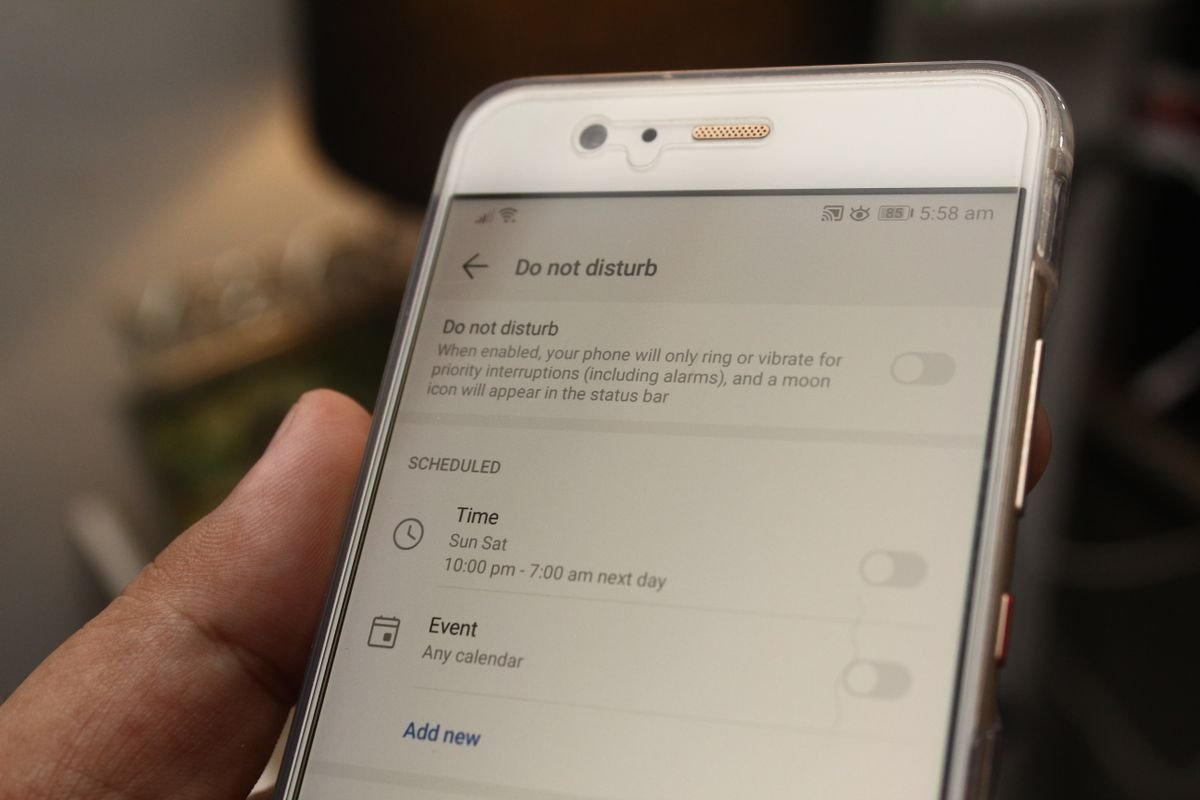
Willpower is weak against a phone that buzzes. Change the phone so checking takes effort and silence is the default. Start with notifications. Turn off work email notifications after your cutoff, or use a focus mode that silences work apps in the evening and lets only chosen contacts through. On most phones you can schedule this to start automatically, so you do not have to remember it every night. Put the work email app in a folder on a later home screen, or remove it from the home screen entirely. Every extra tap is friction, and friction is what stops a habit check.
Try a phone parking spot. Choose one place in your home where the phone lives in the evening, such as a charger in the hallway or the kitchen counter. When you sit down for the evening, the phone stays there. If you need the phone for music or a timer, use it for that one purpose and put it back. This is not about rejecting technology. It is about deciding when the phone is a tool and when it is a doorway back to work. A short evening without the phone in your pocket often feels strange for two or three nights, then it starts to feel like relief.
For the strongest version, turn the work email account off on your phone after hours. Most email apps let you disable an account without deleting it. When you tap the app out of habit, you see a blank screen instead of an inbox. That pause is often enough to remind you of your plan. Turn the account back on in the morning as part of your start of day routine. If your work phone and personal phone are the same device, this one setting can change your evenings more than any productivity tip.
Handle the Worry, Not Just the Habit
Many evening checks are not about email at all. They are about worry. You check because a project feels uncertain, a conversation went badly, or a deadline is close. Checking gives a brief feeling of control, but it rarely solves the worry. It usually adds new material for it. The better response is to name the worry and give it a time and a place. Keep a small notebook by your chair. When a work thought appears, write one line: the worry, and the next step, and the time you will handle it. Then close the notebook. You have not ignored the problem. You have scheduled it.
If the worry is strong, use a ten minute rule. Set a timer and do one absorbing activity for ten minutes: a walk, a shower, cooking, or a conversation. Most urges to check fade in that window. If the urge is still there after ten minutes, ask one question: would a reply tonight change the outcome, or would it only change how I feel for an hour? If the answer is the second one, the check can wait. If a message truly is urgent, your manager can call. Email is rarely the right channel for a real emergency, and treating it as one keeps you on call for everything.
Replace the Check With Something Better
A habit needs a replacement, not just a ban. The phone check fills a gap: the moment after dinner, the pause before bed, the quiet after the children are asleep. Fill those gaps on purpose for the first two weeks. Plan one evening activity that you look forward to, such as a walk, a book, a game, or a call with a friend. Keep it simple and repeatable. The goal is not a perfect evening routine. It is an evening that does not start with the phone.
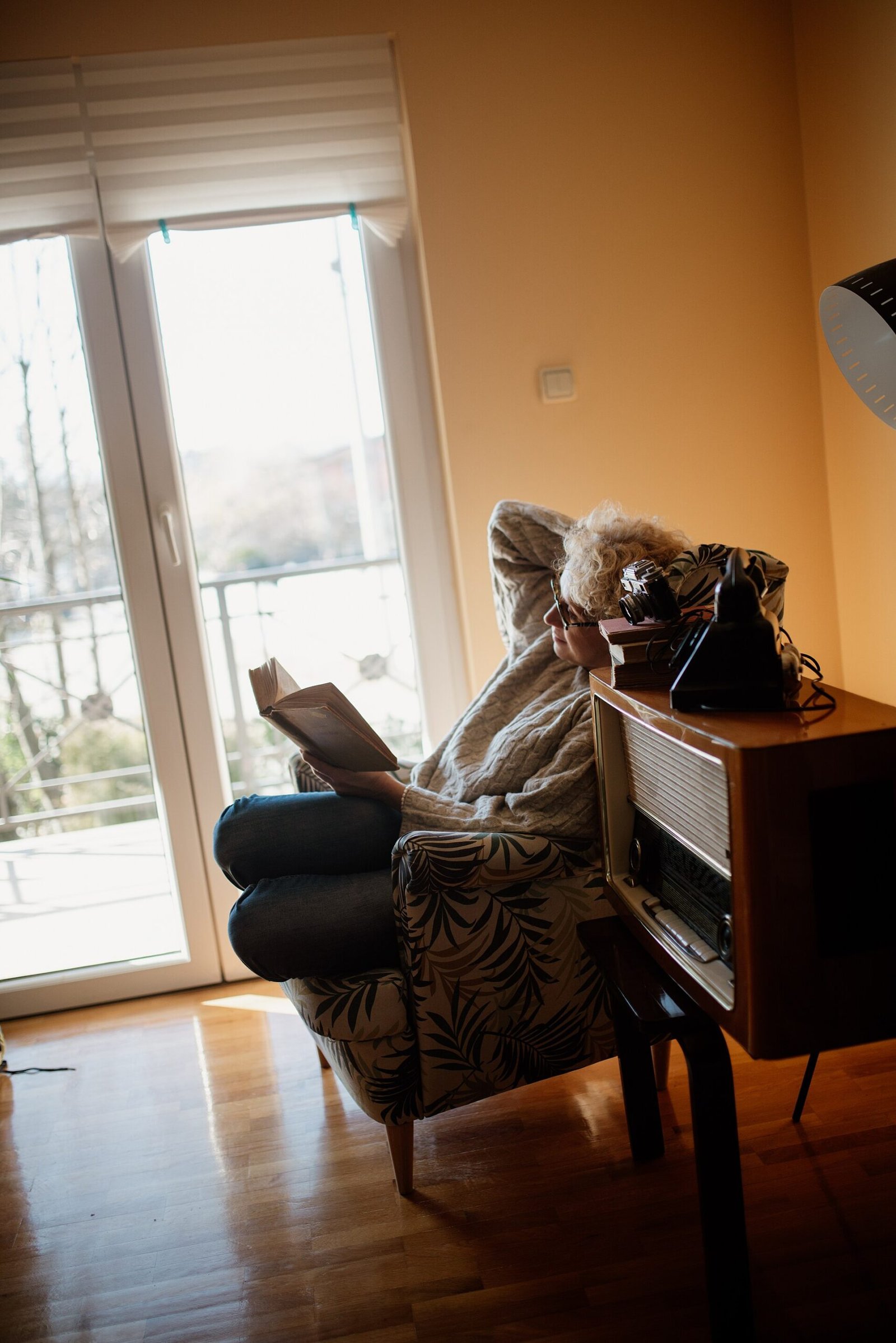
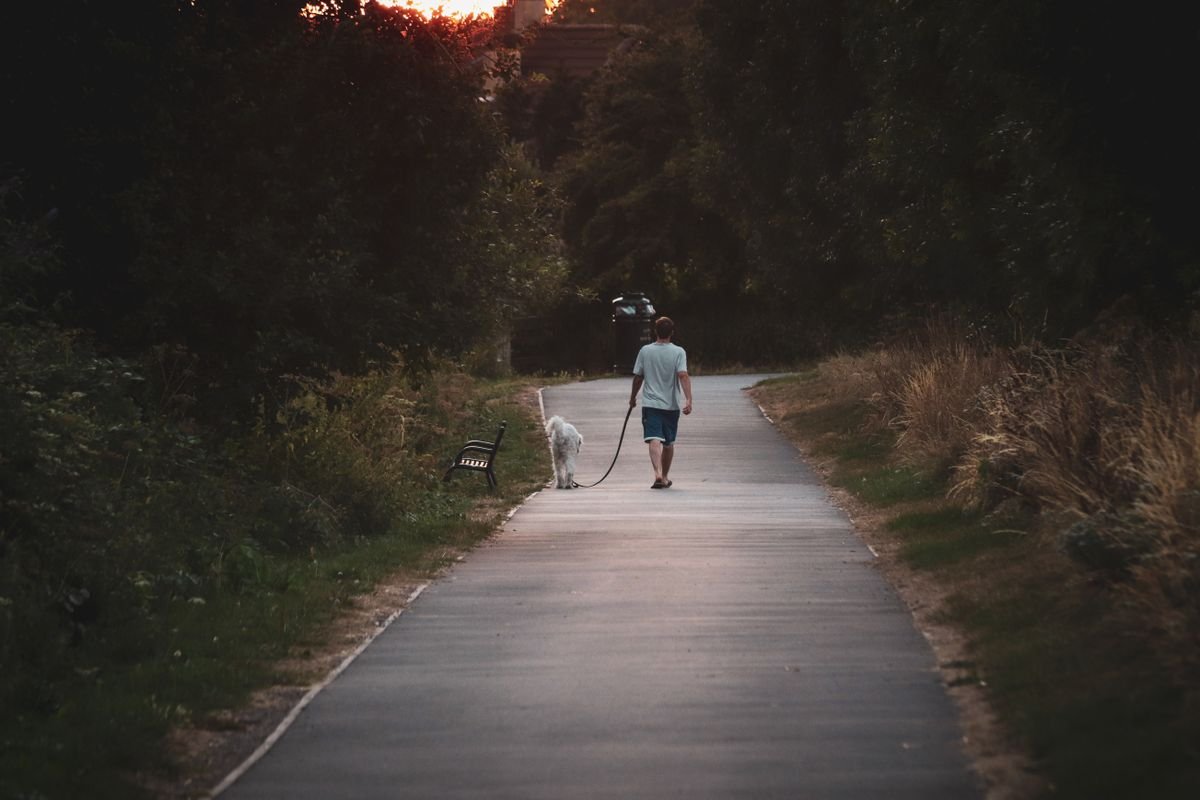
An evening walk is one of the strongest replacements. It moves the body, changes the scenery, and gives the mind a different task. Even ten minutes helps. Leave the phone at home or in a pocket on silent, and walk the same short route each evening. The routine itself becomes the signal that work is over. Reading a physical book works the same way. It asks for focus, it does not buzz, and it is hard to do while also checking email. Choose activities that use your hands or your attention, because a passive evening in front of a screen leaves room for the phone to creep back in.
What to Do When a Real Urgency Arrives
A good boundary has a door for real emergencies. Agree the door in advance with your manager. True urgencies arrive by phone call or text, not by email. They involve a client deadline that night, a system outage, or a decision that cannot wait until morning. Everything else waits. When you define urgency this narrowly, you will find that most evening email is not urgent at all. That clarity makes the boundary easier to keep, because you are not ignoring work. You are sorting it.
When a genuine urgency does arrive, handle it in a bounded way. Deal with that one issue, tell the people involved what happens next, and close the laptop again. Do not use the urgency as a reason to clear the whole inbox. One urgent reply does not mean the evening is now a work session. The next morning, note what happened and whether the urgency was real. Over time, that record shows you how rare true evening urgencies are, and it gives you evidence to keep the boundary firm.
Fix the Morning So the Evening Stays Free
Evening checking often starts in the morning. If you begin the day by scanning email in bed, you set a pattern of constant checking that runs all day and into the night. Start the day with one clear task instead. Look at your top three tasks, start the hardest one, and check email at a set time after that first block of work. Many people find two or three email windows a day are enough: mid morning, after lunch, and late afternoon. Between those windows, the inbox is closed. That structure makes the evening cutoff feel normal, because email already has set times during the day.
Also fix the last email window. Use the final thirty minutes of the workday to clear the inbox, answer what needs an answer, and write tomorrow’s list. When you leave work with the inbox in good shape, the evening urge drops sharply. Most of the worry that drives night checking is the feeling of leaving something unfinished. A short end of day review turns that feeling into a plan. The same steady approach helps in other parts of work life, such as keeping a clear routine when you stop feeling tired after lunch at work by protecting your energy through the afternoon.
Talk About It at Work
Personal boundaries work best when the team shares them. If your team sends email late every night, one person opting out can feel risky. Raise it as a practical issue, not a complaint. Suggest that non urgent email sent after hours is fine to send, but no reply is expected until morning. Many teams adopt a simple rule: send when it suits you, reply when it suits the reader. Email scheduling tools make this easy. A message written at night can be scheduled to arrive at nine in the morning, so the sender clears their mind without pulling the reader back into work.
Managers set the tone here. If you lead a team, avoid praising instant night replies and avoid sending urgent sounding messages after hours for non urgent work. Your team reads your timing as an expectation, even when your words say otherwise. A short line in a team agreement, such as evenings are off unless on call, does more than any wellness message. If you are not a manager, you can still model the boundary quietly. Reply in the morning, do good work, and let the results speak. Colleagues usually adjust within a week or two.
Measure What Changes in Two Weeks
Give the new cutoff two weeks and track three simple things. First, how many evenings did you check work email after your cutoff? Second, how did you sleep on the nights you did not check, compared with the nights you did? Third, did any morning suffer because a reply waited until then? Write the answers in a few lines each night. Most people find the first week hard, the second week easier, and the morning record reassuring. No disaster happens because an email waited until nine in the morning. What changes is the quality of the evening and the quality of the next morning’s work.
If you slip, do not restart from zero. One evening check does not erase a week of good boundaries. Notice what triggered it: a hard day, a vague worry, a phone left on the couch. Fix that one trigger and continue. Boundaries are habits, and habits are built by returning to the plan after a slip, not by being perfect. If checking stays compulsive despite these steps, and it brings strong anxiety or sleep problems, talk with a doctor or a mental health professional. A habit that resists every practical fix may need support beyond a phone setting, and asking for that support is a sensible step, not a failure.
Conclusion: Evenings Belong to You
To stop checking work email after hours, set one cutoff you can keep, close the day with a short ritual and a written plan for tomorrow, and make your phone hold the line with scheduled silence and a parking spot away from the couch. Handle worry by writing it down and giving it a morning time, replace the check with an evening activity you enjoy, and keep one clear door open for true emergencies by phone. Do this for two weeks and measure the result. The inbox will still be there in the morning, and you will meet it rested, focused, and ready. That is the real reward: not less care for your work, but better work from a person who actually switched off. A calm end to the day also supports the way you run a small business meeting that actually ends on time, with clear endings and clear next steps.
Frequently Asked Questions
Is it unprofessional to stop checking work email after hours?
No, if you set expectations clearly. Tell colleagues you respond during work hours and first thing in the morning, and keep a phone route open for true emergencies. Most teams respect a clear boundary, and steady morning replies build more trust than tired night replies.
What if my manager expects replies at night?
Ask directly what counts as urgent and how urgencies should reach you. Suggest a phone call for true emergencies and email for everything else. If night replies are truly part of your role, agree the hours and the compensation openly, rather than living with an unwritten always on rule.
How long does it take to break the checking habit?
Most people feel a clear difference within two weeks of a consistent cutoff, phone silence, and an evening replacement activity. The first three nights are usually the hardest. A written plan for tomorrow and a phone parking spot make those nights much easier.
Should I remove work email from my phone completely?
Try disabling the account after hours first. That keeps email available during the day while making evening checks take real effort. If you still check compulsively, removing the app from your phone for a trial period can help, with email available on your computer during work hours.
What counts as a real work emergency after hours?
A real emergency is rare and time critical: a system outage, a client deadline that night, or a decision that cannot wait until morning. It should arrive by phone or text. Ordinary email, FYI threads, and requests that can wait for a fresh mind are not emergencies, even if they feel urgent in the moment.