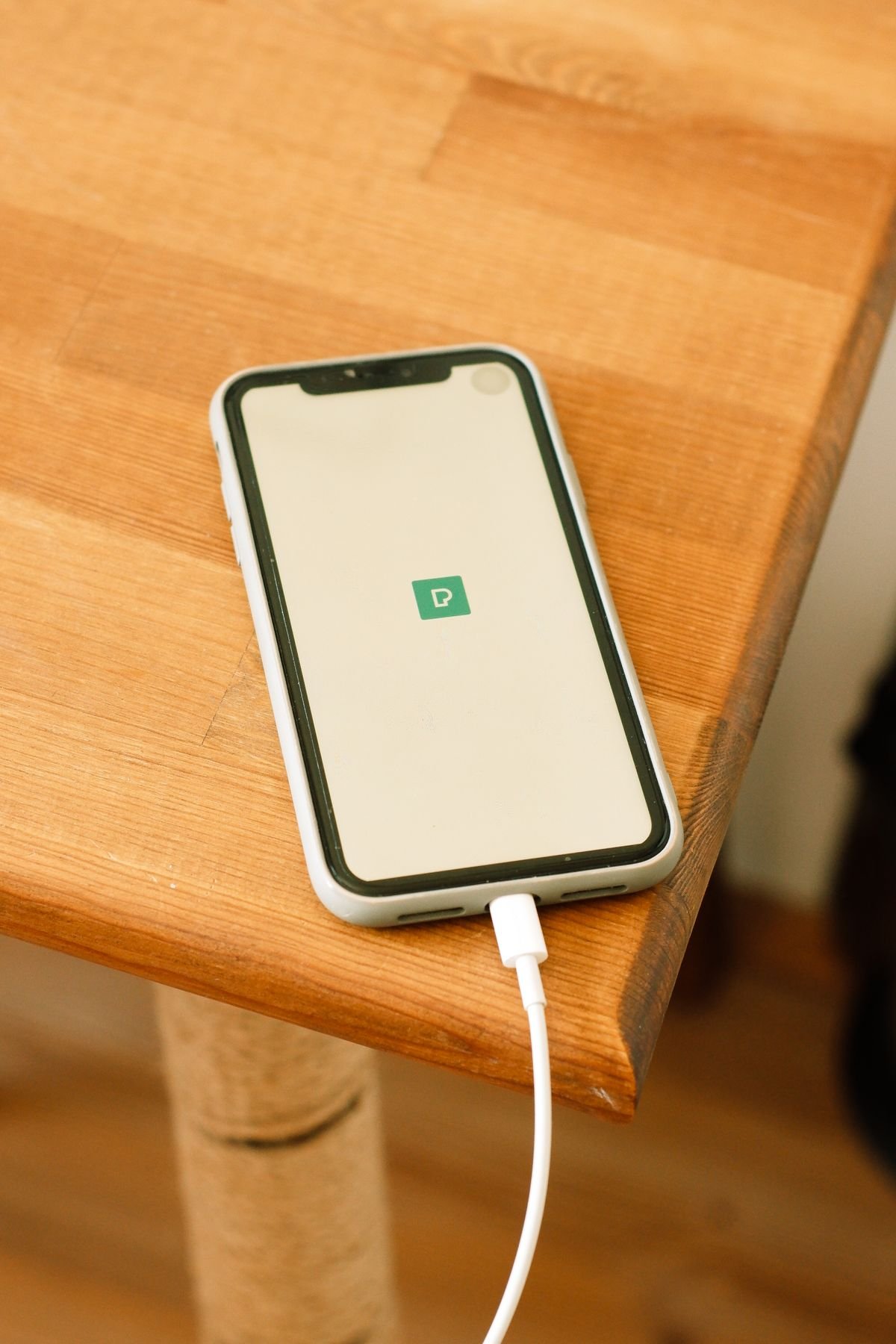
You plug in your phone before bed, and an hour later you reach for it and flinch. The back is hot, almost too hot to hold, and the screen feels warm right through the case. Your first thought is the battery. Is it damaged? Is it safe? Should you unplug it right now?
If that moment sounds familiar, you are not alone. Almost every smartphone gets warm while it charges, and most of the time that warmth is normal. But there is a clear line between normal warmth and real overheating, and crossing it again and again can wear out your battery far earlier than it should. The good news is that learning how to stop your phone from overheating while charging is mostly about small habits, not new hardware. This guide explains why the heat happens, how to tell when it matters, and nine fixes that actually work, starting with the ones that help the most.
Why your phone gets hot while charging
Charging a battery always creates heat. It is simple physics. Power flows from the wall into the battery, and the battery stores that energy through a chemical reaction. No part of that process is perfectly efficient, so some energy escapes as heat. A standard charger pushes a modest amount of power, so the warmth stays mild. A fast charger pushes far more power in the same amount of time, so the heat builds up faster.
Your phone also has to manage that power. A charging circuit converts the voltage from the wall adapter into the exact voltage the battery needs, and that conversion creates heat of its own. On top of that, the processor may be working at the same time. If you are streaming video, playing a game, or backing up photos while the phone charges, the processor and the battery are both making heat at once. Add a thick case that traps the warmth, or a sunny windowsill that adds heat from outside, and the temperature climbs quickly.
That is why the same phone can feel cool on your desk at work and hot on your bedside table at night. The charger is the same. What changes is everything around it: the case, the apps running, the surface under the phone, and the temperature of the room. Fix those surroundings and the heat usually drops right away.
It also helps to know that your phone is not helpless here. Every modern iPhone and Android phone has built in thermal protection. When the battery gets too warm, the phone slows down charging, dims the screen, or pauses charging completely until things cool off. That is the phone protecting itself, not a fault. But if it has to do that every night, something in your charging routine is working against it.
Warm is normal, too hot to hold is not
A phone that feels slightly warm after an hour on the charger is fine. A phone that feels hot to the touch is not. Apple and Samsung both say their phones work best when the room is between 32 and 95 degrees Fahrenheit. Charging in a hot car, in direct sun, or on a bed under a blanket can push a phone well past that range in minutes.
Use the touch test. Pick the phone up with the back of your hand. If it is warm but comfortable, carry on. If it is uncomfortable to hold for more than a few seconds, unplug it and let it cool. Other warning signs matter too. If charging slows to a crawl or stops, if the phone shows a temperature warning, if the battery drains fast right after a full charge, or if the back of the phone feels raised or the case no longer sits flat, take it seriously. A swollen battery is a safety issue, not a minor annoyance, and the phone should be checked by a repair shop before you charge it again.
Heat matters because it ages batteries. Lithium ion batteries lose capacity faster when they spend time hot. Researchers who study battery life have found that a battery kept cool can hold far more of its original capacity after two years than one that is regularly charged hot. You will not see the damage in a week. You see it a year later, when the phone that once lasted all day now needs a charge by dinner. That slow decline is the real cost of overheating, and it is also the reason the fixes below are worth the small effort.
How to stop your phone from overheating while charging
The nine fixes below are in order of impact. Start with the first three and most people see a difference the same night. The rest are habits that keep the heat down for good.
1. Take the case off while it charges
This is the single easiest win. Thick, rugged, leather, and silicone cases all act like insulation. They trap the heat the battery makes and hold it against the phone. If your phone gets hot during fast charging, take the case off before you plug it in and put it back on in the morning. Many people find this one change solves the problem completely.
If you would rather keep a case on, switch to a thin, hard shell case for everyday use and keep the heavy duty case for hikes, work sites, or other rough days. A slim case lets heat escape far better than a thick one, and it still protects the phone from everyday drops and scratches.
2. Stop using the phone while it charges
Gaming, video calls, navigation, and video recording are the worst offenders. Each one pushes the processor hard, and the processor turns that work into heat. Combine a heavy app with fast charging and you have the most common cause of overheating there is. The fix is simple: let the phone charge undisturbed.
If you need to use it, switch to a slower charger. A low wattage brick, the kind that came with older phones, feeds power gently enough that the phone can handle a call or a bit of browsing without heating up. Save the fast charger for times when the phone can sit still. Also watch out for videos that start playing on their own. An app that autoplays clip after clip keeps the processor busy for no reason, so it is worth learning how to stop YouTube from autoplaying videos on your Android phone if that is where your evenings go.
3. Charge somewhere cool with air moving around it
Where you charge matters as much as how you charge. A phone on a bed, a sofa, a pile of clothes, or a thick blanket has nowhere to send its heat. Soft surfaces insulate the back of the phone and block airflow completely. A hard, flat surface in a shaded, ventilated room is far better. A desk, a wooden nightstand, or a kitchen counter all work well.
Never charge a phone in direct sunlight, on a car dashboard, or under a pillow. A car parked in summer sun can reach temperatures that damage a battery in a single afternoon, and a phone under a pillow can keep heating with no way to cool down at all. If the room itself is hot, a small fan pointed near the phone, not directly at it, helps a lot. You do not need a special cooling pad. Moving air and a hard surface are enough.
4. Use a certified charger and cable
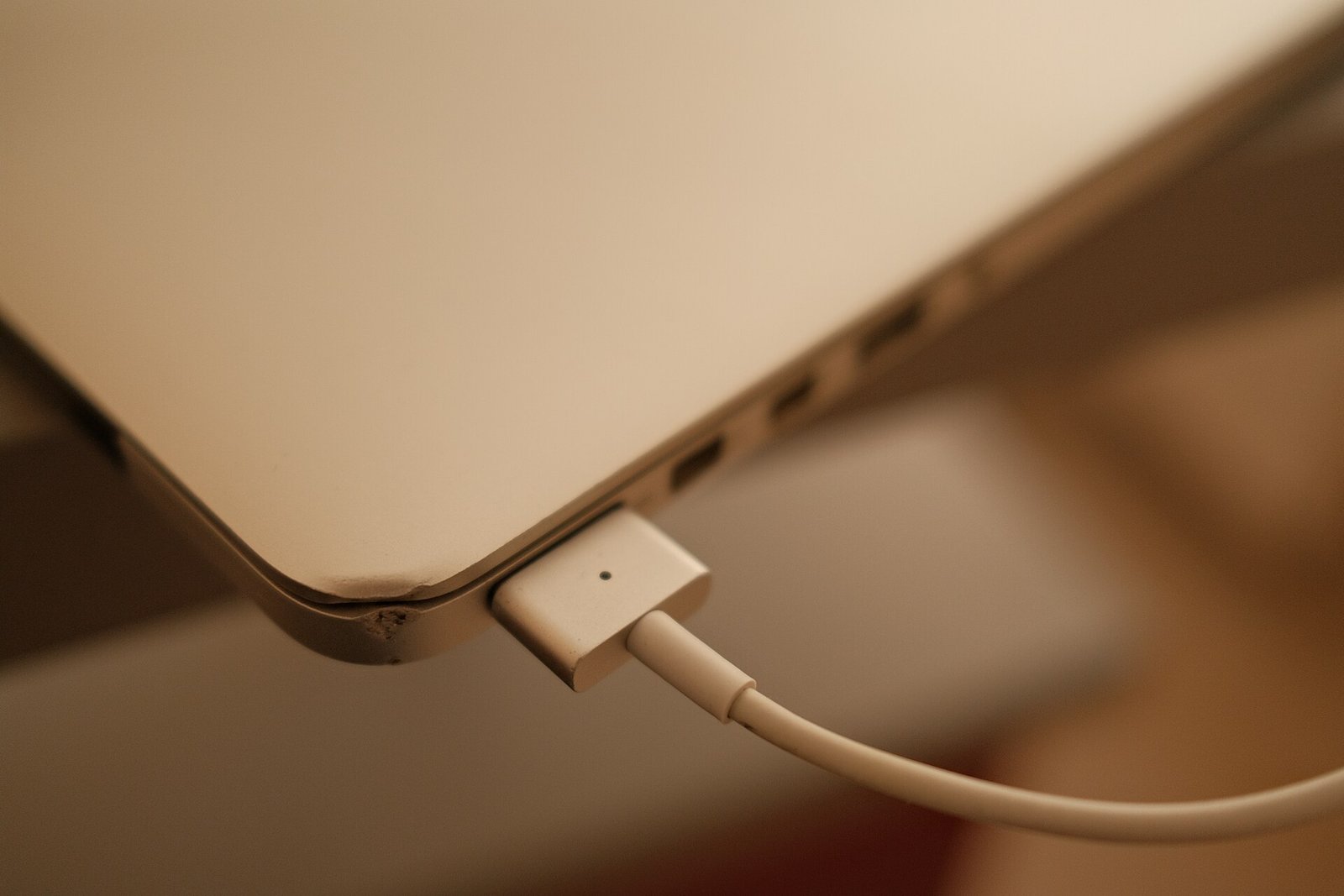
Cheap, uncertified chargers are one of the most common causes of charging heat. A good charger delivers steady, clean power at the right voltage. A poor one delivers uneven power, and the phone has to work harder to handle it. That extra work becomes heat. The same goes for a damaged cable. A frayed or bent cable can create resistance at the plug, and resistance creates heat right where the cable meets the phone.
Use the charger that came with your phone, or buy one from the phone maker or a reputable brand that carries the right certification, such as USB IF certification for Android phones or MFi certification for iPhones. Check the cable every few months. If the connector is loose, the plastic is split, or the cable only works when you hold it at a certain angle, replace it. A new cable costs a few dollars. A damaged battery costs far more.
5. Switch from wireless charging to a cable
Wireless charging is convenient, and it is also less efficient than a cable. Some of the energy sent through a wireless pad never reaches the battery and turns into heat instead. A phone that sits slightly off center on the pad wastes even more energy as heat. If your phone runs hot on a wireless charger, try a cable for a week and compare.
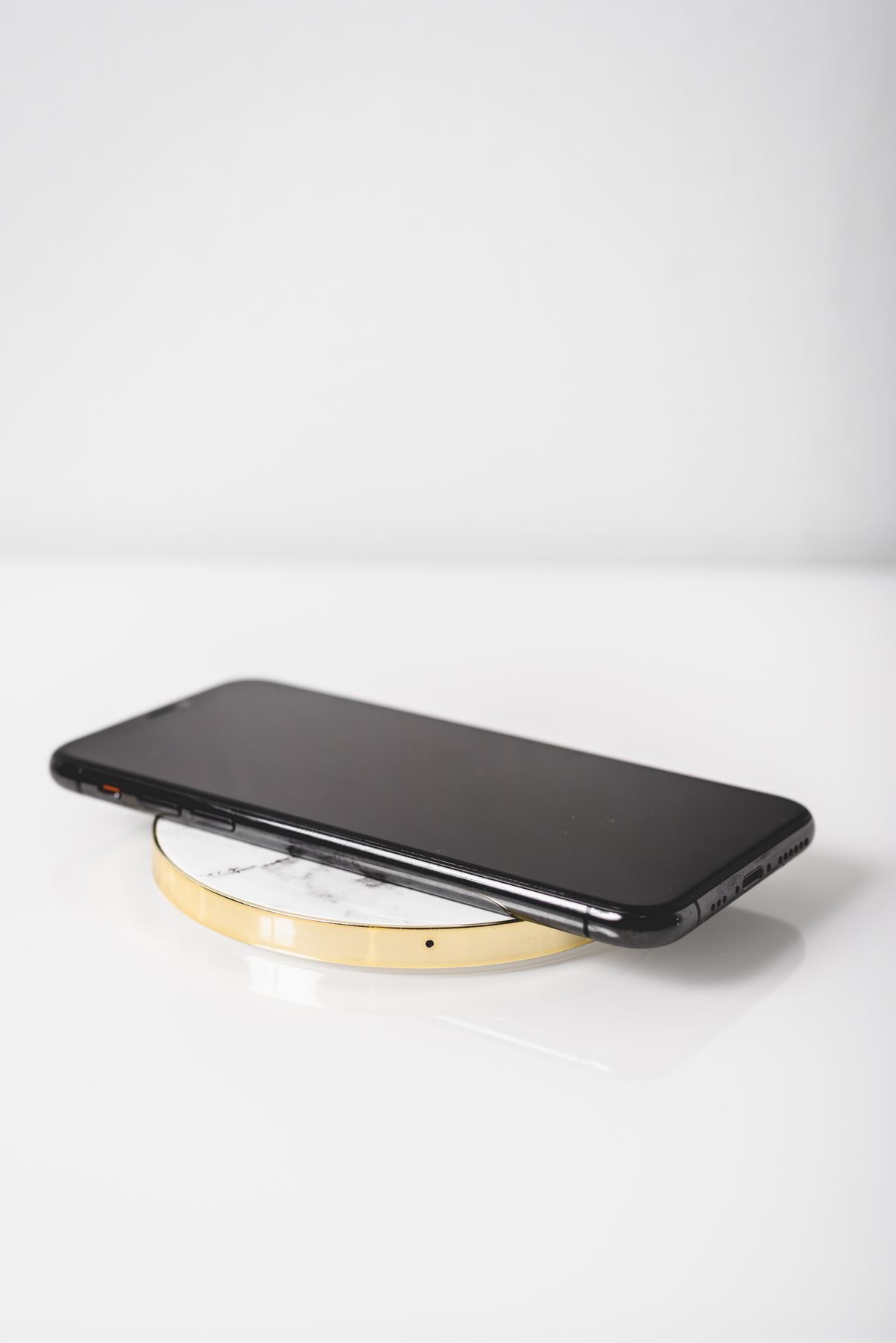
If you love wireless charging and want to keep it, use a magnetic pad that lines the phone up correctly, such as a MagSafe charger for iPhone or a Qi2 charger for newer Android phones. Take metal objects, cards, and thick cases away from the back of the phone before you set it down. And if the phone still gets very hot on the pad, use a cable. The cable wins on cool running every time.
6. Turn off fast charging and turn on optimized charging
Fast charging is wonderful when you are in a hurry. It is also the biggest single source of charging heat. When you do not need speed, slow down. Many Android phones let you switch off fast charging under Settings, then Battery. On a Samsung phone, look under Battery and device care. On a Google Pixel, look under Battery settings. When fast charging is off, the phone takes longer to fill up but stays much cooler.
Also turn on the smart charging feature your phone already has. On iPhone it is called Optimized Battery Charging, under Settings, then Battery, then Battery Health and Charging. On Android it is called Adaptive Charging or Adaptive Battery, under Battery settings. These features learn your routine and slow the charge overnight, holding the battery around 80 percent for most of the night and topping it up just before you wake. That means fewer hours sitting hot at 100 percent, which is exactly what wears a battery out.
7. Close background apps and switch on airplane mode
Your phone does a surprising amount of work while you think it is idle. Photo backups, app updates, email syncing, and location tracking all run in the background, and all of them make heat. Before you plug in for the night, close the heavy apps, especially games, maps, and video apps. Then turn off features you do not need overnight, such as Bluetooth and location services.
Airplane mode is the strongest version of this fix. It switches off the cellular radio, WiFi, and Bluetooth in one tap, which cuts background activity to almost nothing. The phone then charges faster and cooler. You can still use an alarm in airplane mode, so it works well overnight. If you need to stay reachable, use Do Not Disturb instead and close the heavy apps by hand. Either way, a quiet phone is a cool phone.
One more thing worth checking: a phone that is low on storage works harder than it should, because the system keeps shuffling files to make room. If your phone often feels warm for no clear reason, it is worth learning how to free up phone storage without deleting photos, since a phone with breathing room runs cooler and charges more calmly.
8. Check the charging port and cable for damage
A charging port full of lint and dust can cause real trouble. Pocket lint packs into the bottom of the port over months, and the cable no longer seats fully. A loose connection arcs and heats up, and the phone may charge slowly or stop and start again. Shine a light into the port and look. If you see lint, switch the phone off and gently pick it out with a wooden toothpick or a soft brush. Never use a metal tool, and never blow into the port with your mouth, since moisture makes things worse.

While you are there, check the cable plug itself. Look for bent pins, a wobbly connector, or scorch marks on the plug. Any of those means the cable should go in the bin. Also check that the wall adapter is not hot to the touch. A warm adapter is normal. An adapter too hot to hold is a warning sign, and it should be replaced before it damages the phone or anything else.
9. Keep the battery between 20 and 80 percent
Lithium ion batteries are happiest in the middle of their range. Charging from empty to full, and holding the phone at 100 percent for hours, stresses the battery and creates extra heat. The sweet spot is roughly 20 to 80 percent. You do not need to be exact about it. The habit that matters is unplugging before the phone sits at full charge for hours.
In practice, that means charging in shorter bursts during the day instead of one long overnight session at full speed, or using the optimized charging feature from fix six so the phone holds at 80 percent until morning. It also means not letting the battery run flat every day. A phone that is always either empty or full works harder than one that lives in the middle, and it shows in the heat and in the battery health reading a year later.
What to do right now if your phone is already too hot
If your phone is hot at this very moment, do this first. Unplug it. Take the case off. Close every app and stop using it. Put it on a cool, hard surface in the shade, or near a fan, and leave it alone until it feels normal again. That is the whole rescue plan, and it works in most cases within ten to twenty minutes.
There are two things you should never do. Do not put the phone in the fridge or the freezer. Rapid cooling causes condensation inside the phone, and water on the electronics can cause a short circuit that is far worse than the heat. Do not put it in a bag of rice either, since that does nothing for heat and can leave dust in the charging port. Slow, gentle cooling in moving air is the safe way.
Once the phone is cool, plug it back in with the case off and a slower charger if you have one. If it heats up again quickly with nothing running, something else is wrong, and the next section covers what to look for.
Warning signs that mean stop and get help
Most overheating is a habit problem with a habit fix. A few signs point to a hardware problem, and those need a repair shop, not a settings change.
Stop charging and get the phone checked if the battery looks swollen, if the back panel is lifting, if the screen is separating from the frame, or if the case no longer closes flat. A swollen lithium ion battery can be dangerous, so do not press on it, puncture it, or try to charge it again. Put the phone somewhere safe, away from anything flammable, and take it to a repair shop or the phone maker.
Also get help if the phone gets hot even when it is not charging, if it shuts down on its own in normal use, if the battery drops from 40 percent to zero in minutes, or if you smell something sweet, chemical, or burnt near the phone. Those signs can mean a failing battery or a damaged charging circuit. A battery replacement is usually a modest repair, and it often makes an older phone feel new again, with cooler charging and longer life between charges.
Overheating is not limited to phones. Any device with a lithium ion battery and a fast charger can run hot the same way, so the same habits apply to tablets, earbuds cases, and handheld consoles. If you own a Nintendo Switch, our guide on how to stop a Nintendo Switch from overheating in its dock covers the same ideas in a console setting: airflow, a cool spot, and time away from heavy use.
A cooler overnight charging routine you can copy tonight
Overnight charging causes most of the heat damage, because the phone sits plugged in for seven or eight hours. A small routine fixes it. Take the case off and put the phone on a hard surface, such as a wooden nightstand, instead of on the bed. Plug it into a slower charger, the kind rated at 5 watts or 10 watts, rather than the fastest brick you own. Turn on airplane mode and the optimized charging feature, so the phone charges gently and holds at 80 percent for most of the night. Then leave it alone.
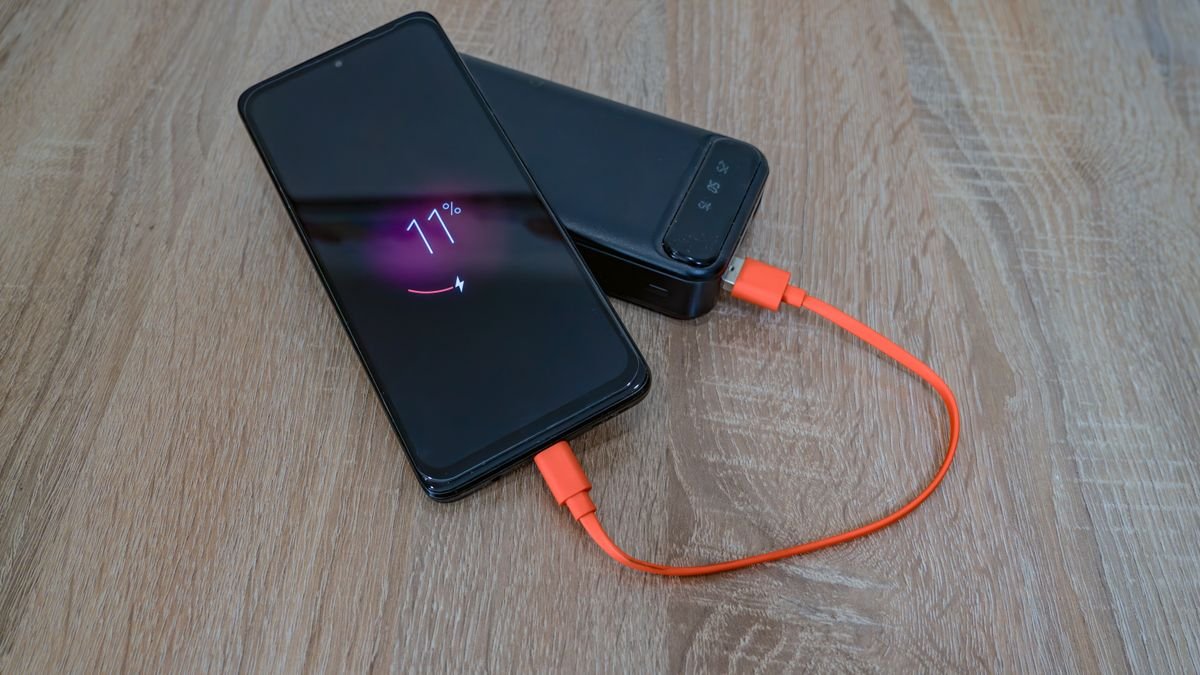
That routine takes about thirty seconds and it protects the battery every single night. If you travel a lot, the same idea works with a power bank. A power bank that charges slowly is gentler than a high wattage wall charger, and it is a good choice when you need a top up on the go rather than a full fast charge.
One more habit helps on hot days. In summer, charge the phone in the coolest room in the house, and never leave it charging in a parked car. A car in direct sun can climb past 140 degrees Fahrenheit inside, which is far beyond the safe range for any phone battery. If you use a dashboard mount for navigation, take the phone off the mount and out of the sun as soon as you park.
The takeaway
A warm phone on the charger is normal. A phone too hot to hold is a signal, not a mystery. The heat comes from the charger, the apps, the case, and the room, and each one is something you can change. Take the case off, let the phone rest while it charges, keep it on a hard surface in a cool spot, use a certified charger and cable, and slow the charge down when you are not in a hurry. Those five habits are the heart of how to stop your phone from overheating while charging, and they solve the problem for most people on the first night.
If the phone still overheats after you change those habits, look deeper. Check the charging port for lint, check the battery health reading in settings, and watch for swelling or sudden shutdowns. A worn battery or a damaged cable is a cheap fix, and catching it early saves you from a dead phone later. Your battery will thank you with more years of steady service, and you will stop flinching every time you pick the phone up off the charger.
Frequently asked questions
Is it normal for a phone to get hot while charging?
Yes, mild warmth is normal. Charging creates heat by nature, and fast charging creates more of it. The phone should feel warm, not hot. If it is uncomfortable to hold, unplug it, take the case off, and let it cool on a hard surface.
Can overheating while charging damage my battery?
Yes. Heat speeds up the chemical wear inside a lithium ion battery, so a battery that is often charged hot loses capacity faster. Over a year or two that shows up as shorter battery life. Cooler charging habits keep the battery healthy for much longer.
Should I take my case off while charging?
Yes, especially with fast charging or wireless charging. Thick, rugged, leather, and silicone cases trap heat against the phone. Removing the case is the quickest single fix, and a thin hard shell case is a good middle ground if you want to keep one on.
Is wireless charging hotter than cable charging?
Yes, in most cases. Wireless charging is less efficient, so more energy turns into heat, and a phone that sits off center on the pad runs hotter still. If your phone overheats on a wireless pad, switch to a cable, or use a magnetic pad that lines the phone up correctly.
Is it safe to charge my phone overnight?
Yes, if you charge it the right way. Use a slower charger, take the case off, put the phone on a hard surface, and turn on optimized charging so the phone holds at 80 percent for most of the night. Never charge a phone under a pillow or on a bed, where heat has nowhere to go.